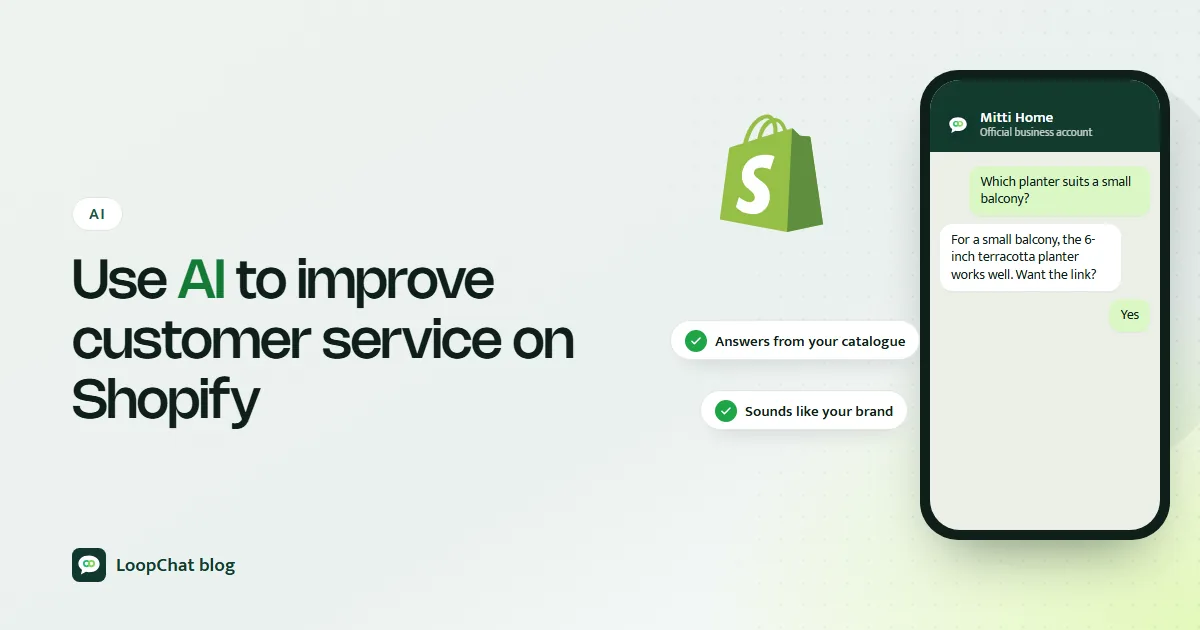
How to use AI to improve customer service on your Shopify store
Faster answers on tracking, sizing and returns, product guidance from your catalogue, and a reply style that still sounds like your brand.
Contents
AI improves customer service on a Shopify store in two ways: it answers routine questions about tracking, sizing, delivery and returns the moment they arrive, at any hour, and it frees your team to spend time on the conversations that need judgement. Done well, it also saves sales, because a shopper who gets an instant answer to a pre-purchase question is far more likely to complete the order. This guide covers what to automate, what to keep human, and how to keep every reply sounding like your brand.
Two things AI fixes in a Shopify support setup
Response time and coverage
Most small Shopify teams in India answer chats during office hours, but shoppers browse late. A customer in Jaipur scrolling at 11 pm asks whether the cotton kurta set runs small. Without AI, that question waits until morning, and by then she may have bought from someone else. With AI, she gets the size advice in seconds, adds to cart and checks out.
The same applies on festive sale days, when message volume can jump far beyond what two or three agents can handle. AI does not get a queue.
Your team stops being the bottleneck
Every "where is my order?" and "do you ship to 682001?" that a person answers manually is time not spent on a damaged-item complaint or a bulk enquiry. When AI absorbs the predictable questions, agents spend their day on the conversations where a human actually changes the outcome.
Where to point AI first
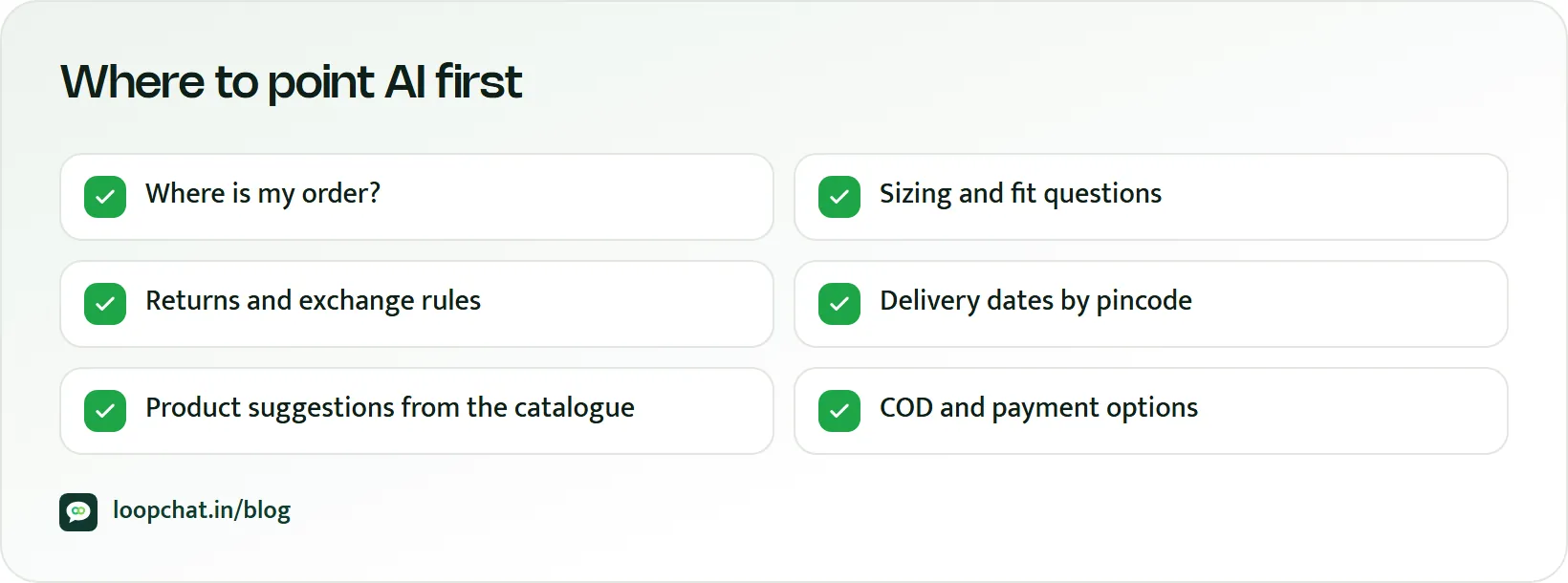
Start with the use cases where the answer is fixed or already sits in your Shopify data.
Instant FAQ answers
Delivery times by region, COD availability, UPI and card payment options, return and exchange windows, and gift-wrapping. You write these once, and the AI answers every variation of the question, whether the customer types "return policy kya hai?" or "can I exchange for a bigger size?".
Order tracking
Order and fulfilment records already hold the answer to "where is my order?". When the AI can read the order, it replies with status and tracking details instead of "let me check and get back to you". Shopify itself sends automated emails for order and shipping events, and in supported countries text message order confirmations to customers who give a phone number at checkout, so pair the AI with proactive updates on the channel your customers actually read. Order updates are one of the Shopify workflows worth automating early.
Product guidance from your catalogue
This is where AI pays off for Shopify stores in particular. Shoppers ask questions your product page technically answers, but they would rather ask than scroll:
- Fit and fabric: "Is this kurta lined?", "I am 5 foot 3, should I take M or L?"
- Ingredients: "Does this face wash have sulphates?", "Are your namkeen packs made with palm oil?"
- Compatibility: "Will this 20W adapter fast-charge an iPhone 13?", "Does this case fit the Galaxy S23 or the S23 FE?"
When your product details, size charts and ingredient lists are part of the AI's business information, it can answer these accurately and point to the right variant. Where the information does not exist, it should say so and hand over, not guess.
Simple returns and exchanges
For a standard request that is inside the window and in an eligible category, AI can confirm eligibility, explain how to pack the item and what happens next. Anything outside the standard flow belongs to a person.
When the AI should step aside
Set these to escalate automatically:
- Frustrated customers. Someone whose order is a week late needs empathy and a decision, not a template.
- High-value orders and big refunds. The cost of a wrong call is too high to automate.
- Non-standard cases. A parcel that arrived wet, a colour that looks nothing like the photo, a reaction to a skincare product, a story that does not fit your normal return flow.
When the handover happens, the agent must see the full conversation, including what the AI already said. A customer asked to repeat their story to a human after explaining it to a bot is a customer who will not come back.
Support that sells
It helps to stop thinking of support as a cost line. On a Shopify store, many support chats are really sales conversations.
Pre-purchase questions about size, delivery dates, ingredients and compatibility are the last thing between a shopper and the checkout button. An unanswered question is often a lost order; our guide to reducing cart abandonment on Shopify covers the on-site side of the same problem. An instant, correct reply keeps the buying intent alive while it is still warm.
After the purchase, quick and accurate help is what turns a first order into a second one. A customer whose exchange was sorted in two messages remembers that, and a timely COD confirmation is part of the same first impression. For more on turning service into repeat orders, see our guide to Shopify customer retention.
Keeping the AI on-brand and correct
Write example replies in your brand voice
Before switching anything on, write ten or fifteen sample answers the way your best agent would: the greeting you use, how formal you are, whether you say "ji", how you sign off. Use them to guide the AI's tone. A playful snack brand and a premium skincare label should not sound the same.
Match the customer's language
Indian shoppers switch between English, Hindi and Hinglish, often in the same chat. An AI that replies in the language the customer used feels far more natural than one that insists on formal English.
Keep it short
Customers on WhatsApp want the answer, not a paragraph. Two or three lines with a link beats a wall of policy text.
Review accuracy on a schedule
AI repeats whatever it was taught. Read a sample of conversations every week, and update the business information the same day you change a price, a shipping zone or a return rule. One stale policy answer, repeated a few hundred times, creates a pile of avoidable tickets.
Always leave a door to a human
Make "talk to a person" easy on every channel. On WhatsApp this is required: the WhatsApp Business Policy says automated experiences must offer prompt, clear and direct escalation paths, such as handing over to a human agent in the chat, a phone number, email or a support form.
Rollout checklist
- Begin with four categories: FAQs, order tracking, product guidance and simple returns.
- Load your product data, size charts, ingredient lists and policies into the AI's business information.
- Write brand-voice example replies before going live.
- Set automatic escalation for frustrated customers, high-value orders and non-standard cases.
- Show agents the full AI conversation at handover.
- Review a sample of replies weekly, and immediately after any policy, price or shipping change.
- Track how many pre-sales questions the AI resolved instantly, especially outside working hours, as your measure of sales impact.
- Watch your WhatsApp message costs. Per Meta's pricing page, as of October 2026 service messages are charged after the first 1,000 per business phone number each month, so estimate volume with the WhatsApp pricing calculator and read our explainer on the October 2026 WhatsApp pricing change.
For the broader picture of which support jobs AI should own across any ecommerce store, read AI customer support for ecommerce. If you are deciding between scripted menus and free-form AI, bot flows or AI replies walks through the trade-off.
How LoopChat helps
LoopChat's AI agents answer from your business information in English, Hindi and Hinglish across WhatsApp, Instagram and website chat, and hand over to a person in one click with the full history visible in a shared team inbox. Agents can assign, label and leave notes, so a complaint or a bulk enquiry goes to the right teammate.
On the Sprint plan and above, LoopChat connects to Shopify for order and shipping updates, COD order confirmation, abandoned checkout reminders and reorder nudges, which cuts down routine questions before they arrive. Every plan includes monthly AI credits, and Meta's message charges are separate. Read more on our ecommerce page and pricing, then start a 15-day free trial or book a demo.
Sources
- Meta for Developers: Pricing on the WhatsApp Business Platform (accessed October 2026)
- WhatsApp for Business: Business Policy (accessed October 2026)
- Shopify Help Center: Store notifications (accessed October 2026)