
01
No more two agents answering the same person
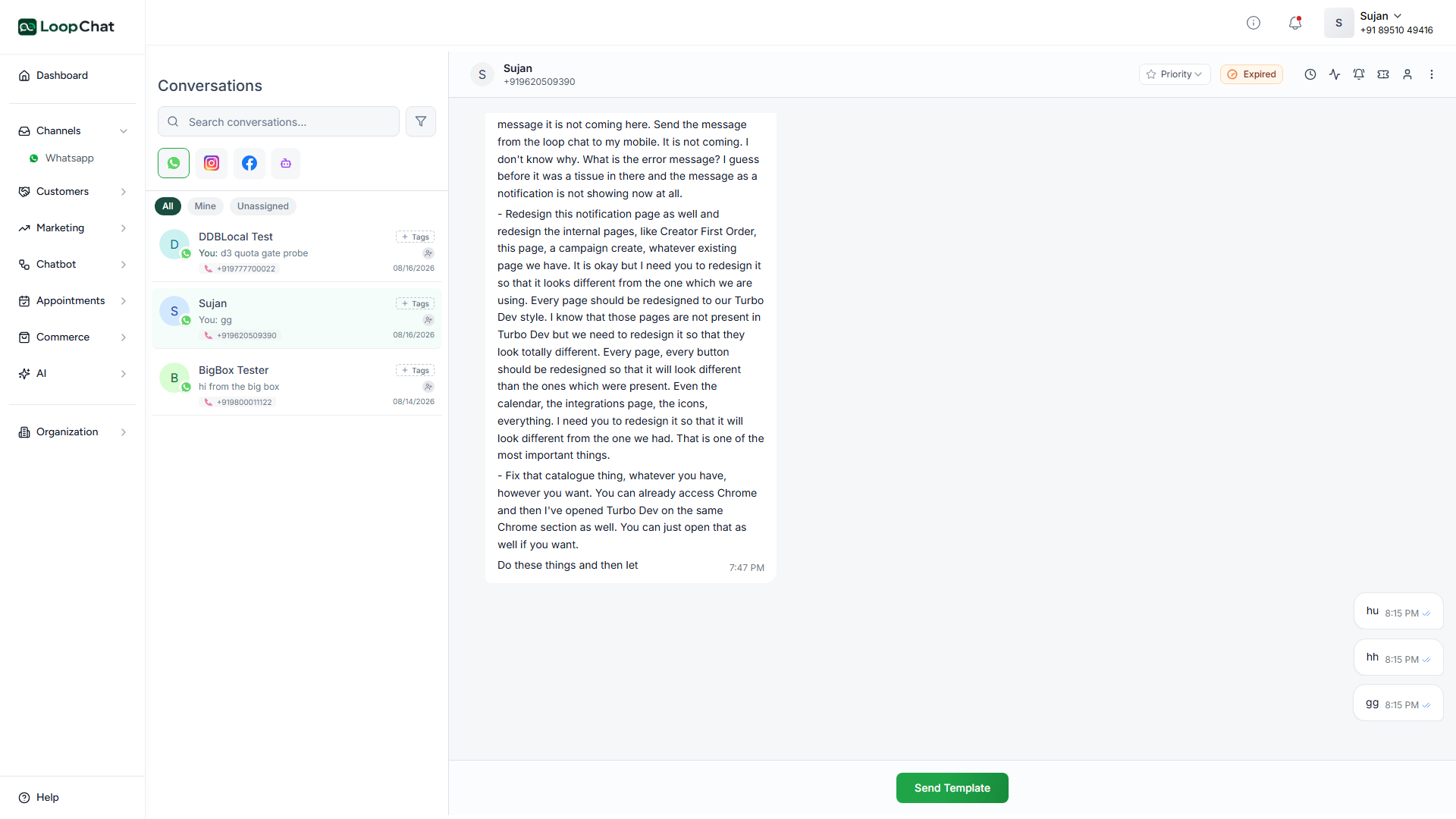
Assignment makes ownership obvious, and notes let one agent brief the next without a side conversation on another app. The customer sees one consistent voice.
✦ Shared Team Inbox
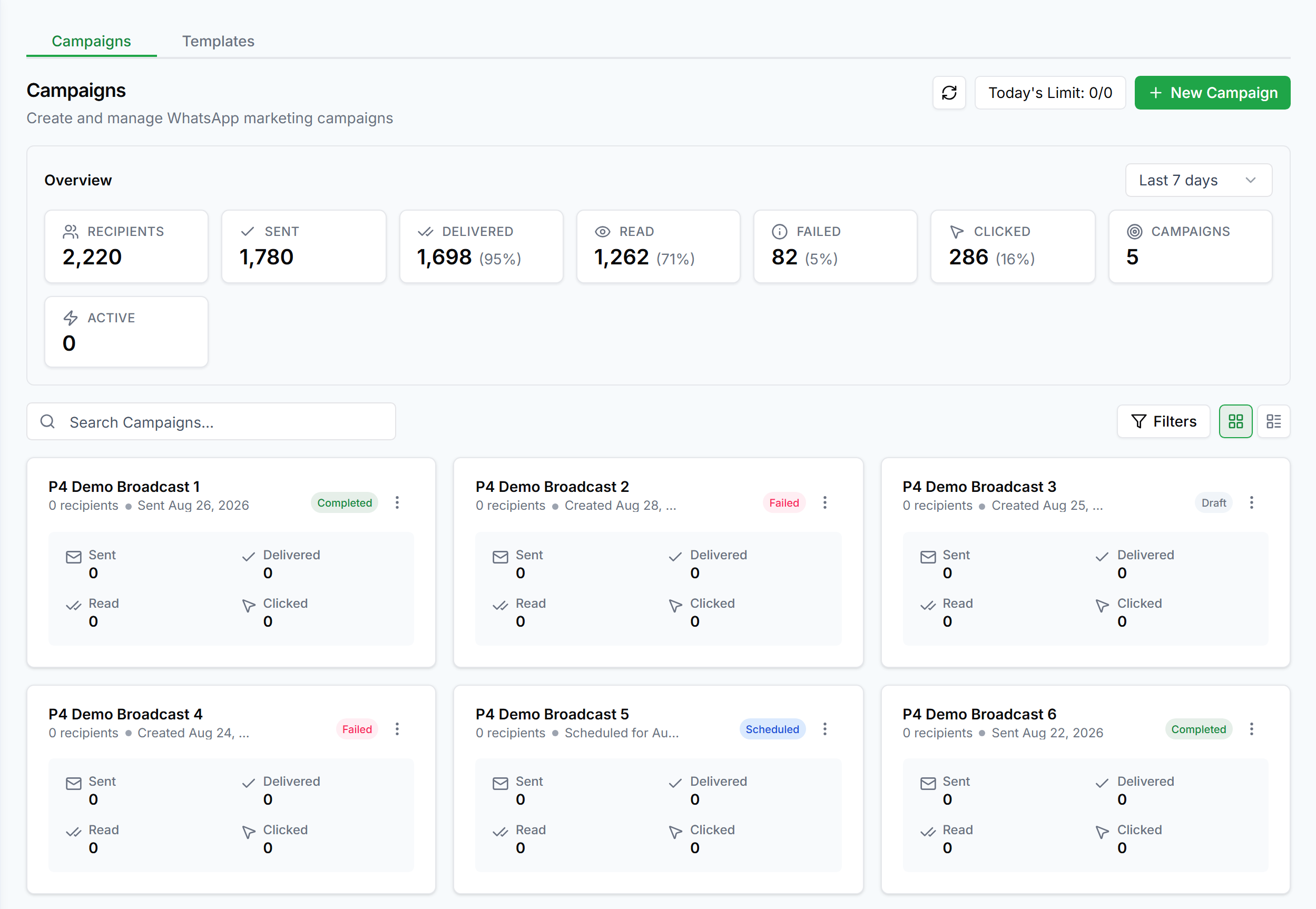
Stop passing one phone around. Every conversation lands in a shared inbox where any agent can pick it up, with the full history already there.
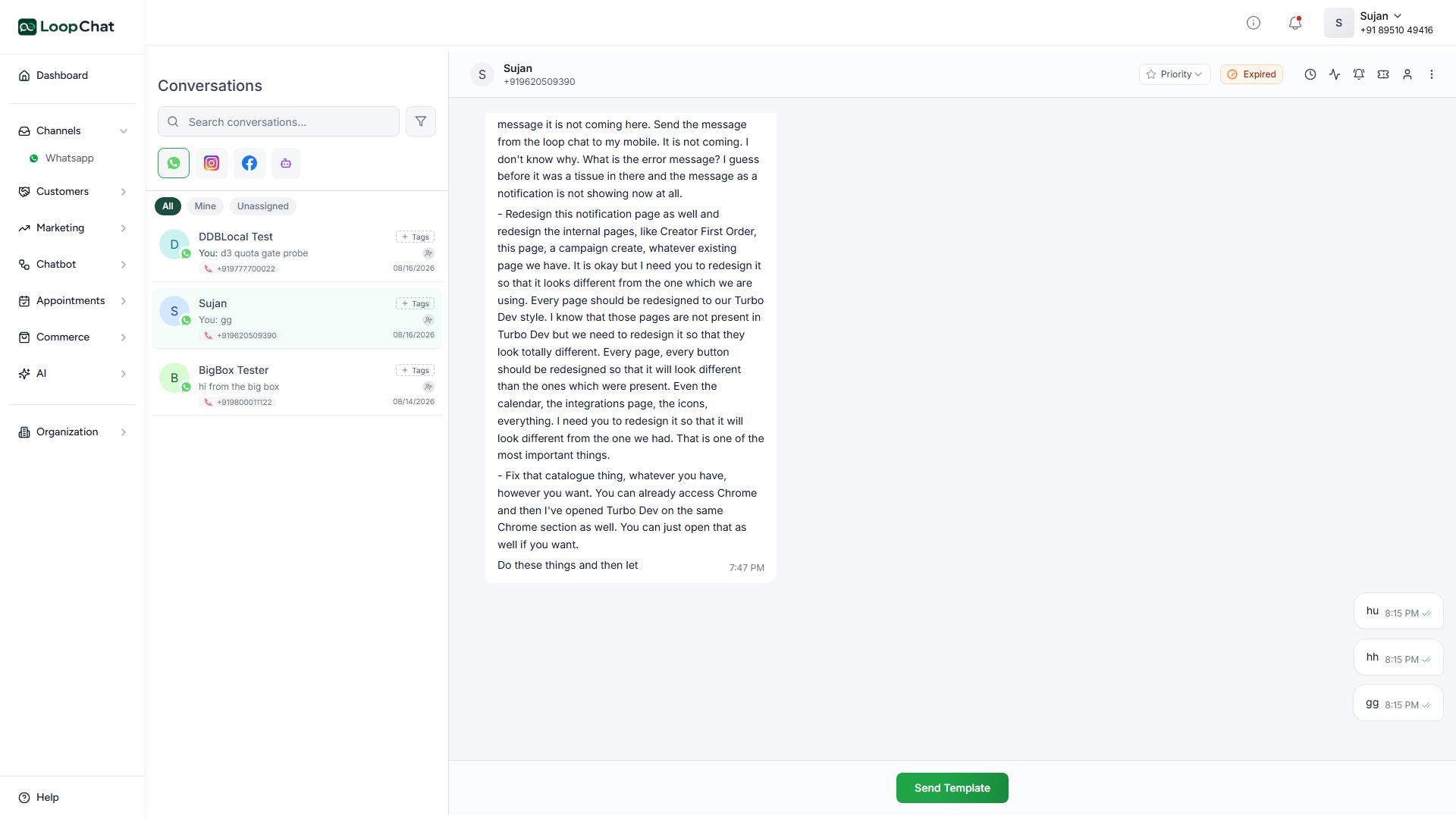
Assignment makes ownership obvious, and notes let one agent brief the next without a side conversation on another app. The customer sees one consistent voice.
Contact fields, past conversations, labels and notes all sit beside the thread, so someone picking up a chat at 9am can carry on exactly where last night stopped.
✦ Capabilities
Give a thread a clear owner instead of leaving it for whoever notices it first.
Brief the next agent inside the thread, invisible to the customer.
Tag conversations and reuse the answers you send twenty times a day.
Get an AI summary of a long thread before you reply, so picking it up does not mean reading back through everything.
Past conversations, notes and labels all sit beside the current thread.
Automated conversations land in the same place as everything else, no separate tab to check.
✦ Setup
Add teammates to the shared inbox from your account settings.
Route conversations to a specific agent, or let agents pick up what is unassigned.
Leave context for whoever picks up the thread next.
The next shift sees the full history, no separate briefing needed.
✦ FAQ
Anything else? Talk to us and we will answer it directly.
Yes. Invite your team, assign conversations, add private notes and labels, and answer from one shared inbox on a single number.
No. Assignment, notes and handovers are internal; the customer sees one consistent conversation.
Yes, an AI summary is available for a conversation, useful when picking up a thread you have not read yet.
Free plan · Official API · Live in under a day.