LoopChat

✦ Click-to-WhatsApp Ads

Turn Meta ad clicks into real conversations

Point your Facebook and Instagram ads at WhatsApp and let LoopChat capture every click as a contact, greet them in seconds and qualify them before your team ever picks up the thread.

app.loopchat.in
Click-to-WhatsApp Ads in LoopChat
Every ad click captured as a contact, automatically
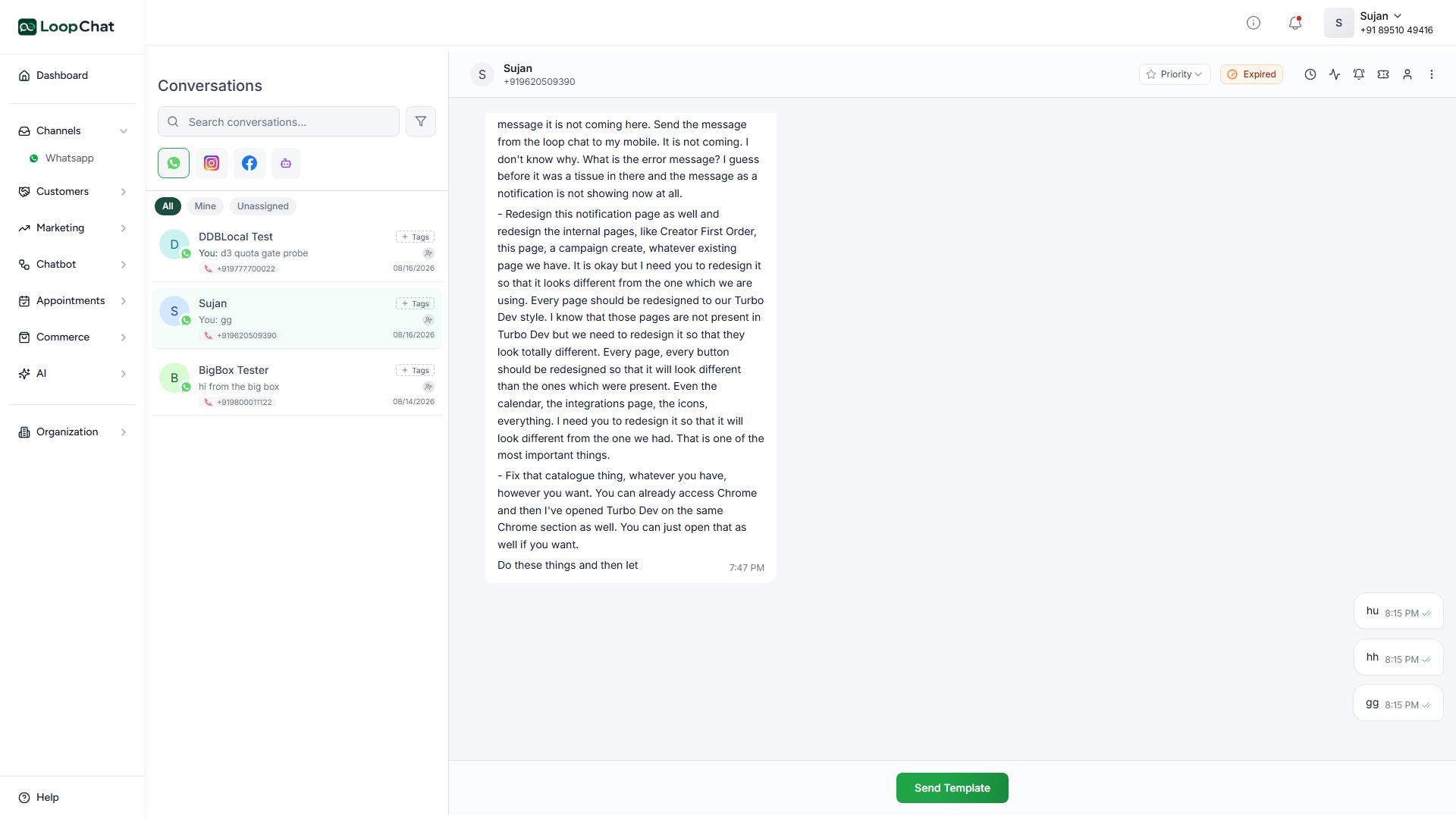
Instant greeting so the lead never waits
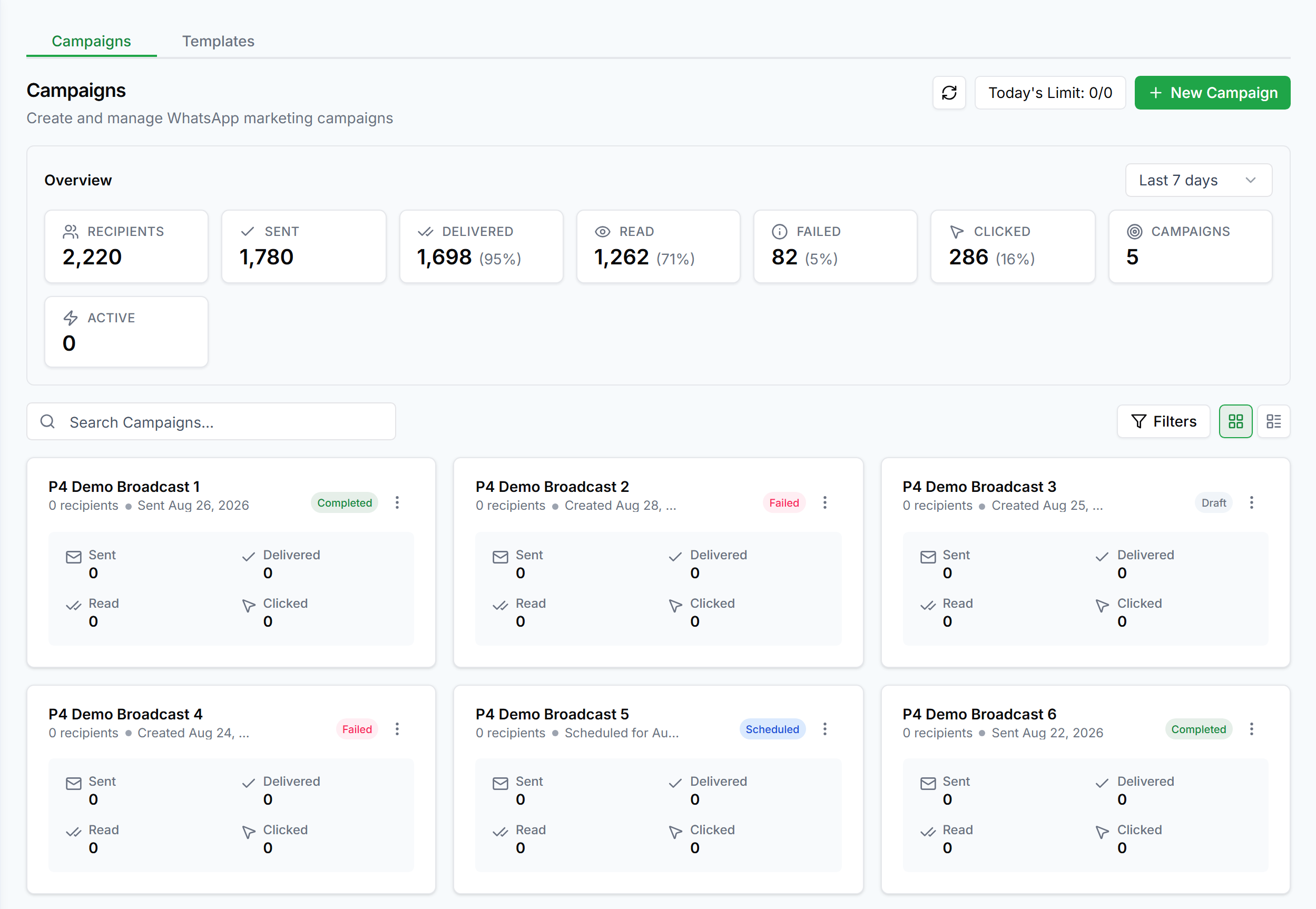
Source tracking, so you know which ad produced which sale
Qualified leads handed to your team in the shared inbox
01

The lead never goes cold

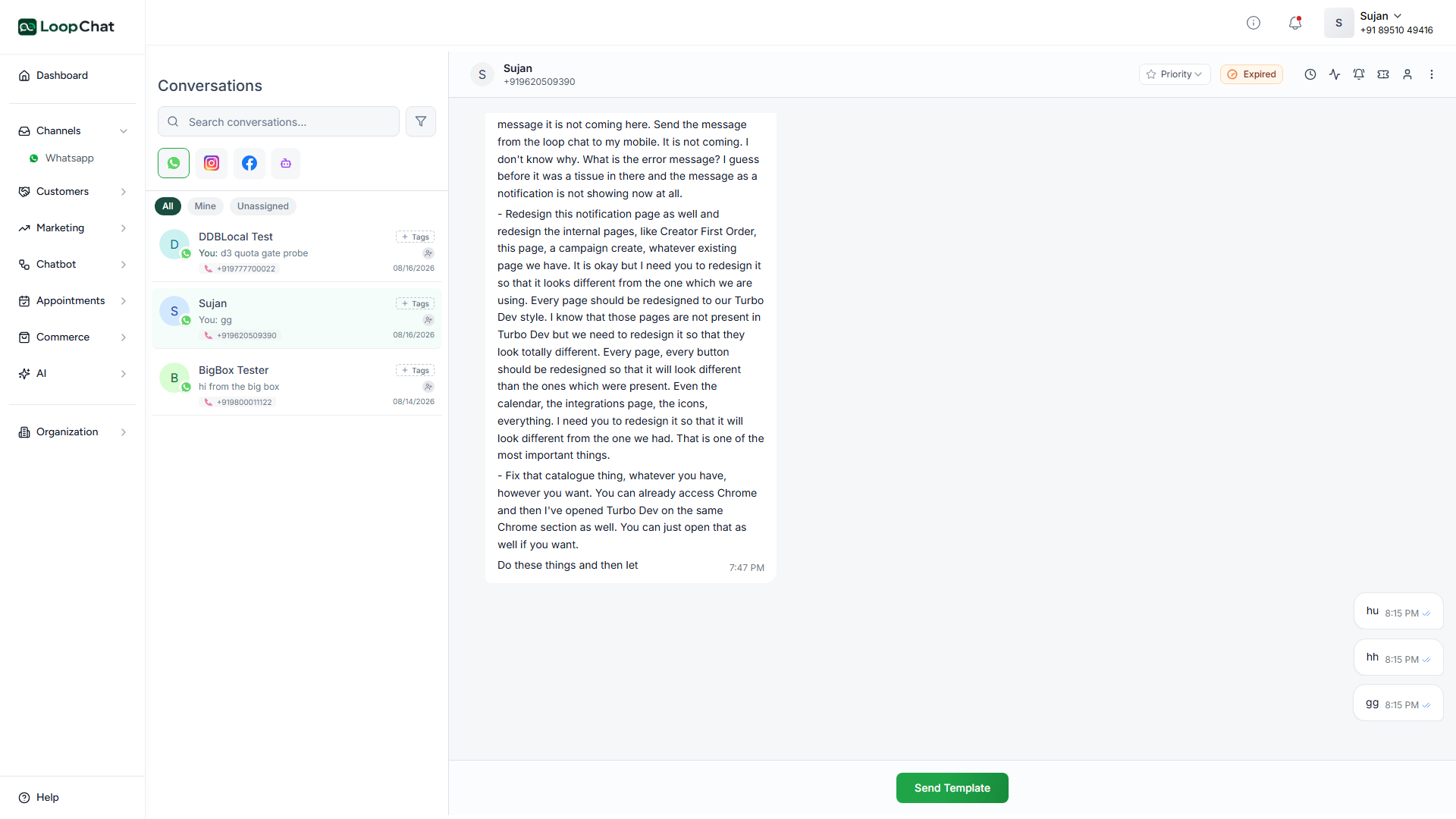
An enquiry answered in seconds converts; one answered tomorrow does not. LoopChat replies the moment the ad click lands, at any hour, so you stop paying for leads that go quiet before anyone reads them.

The lead never goes cold in LoopChat
02

Know what your ad spend actually bought

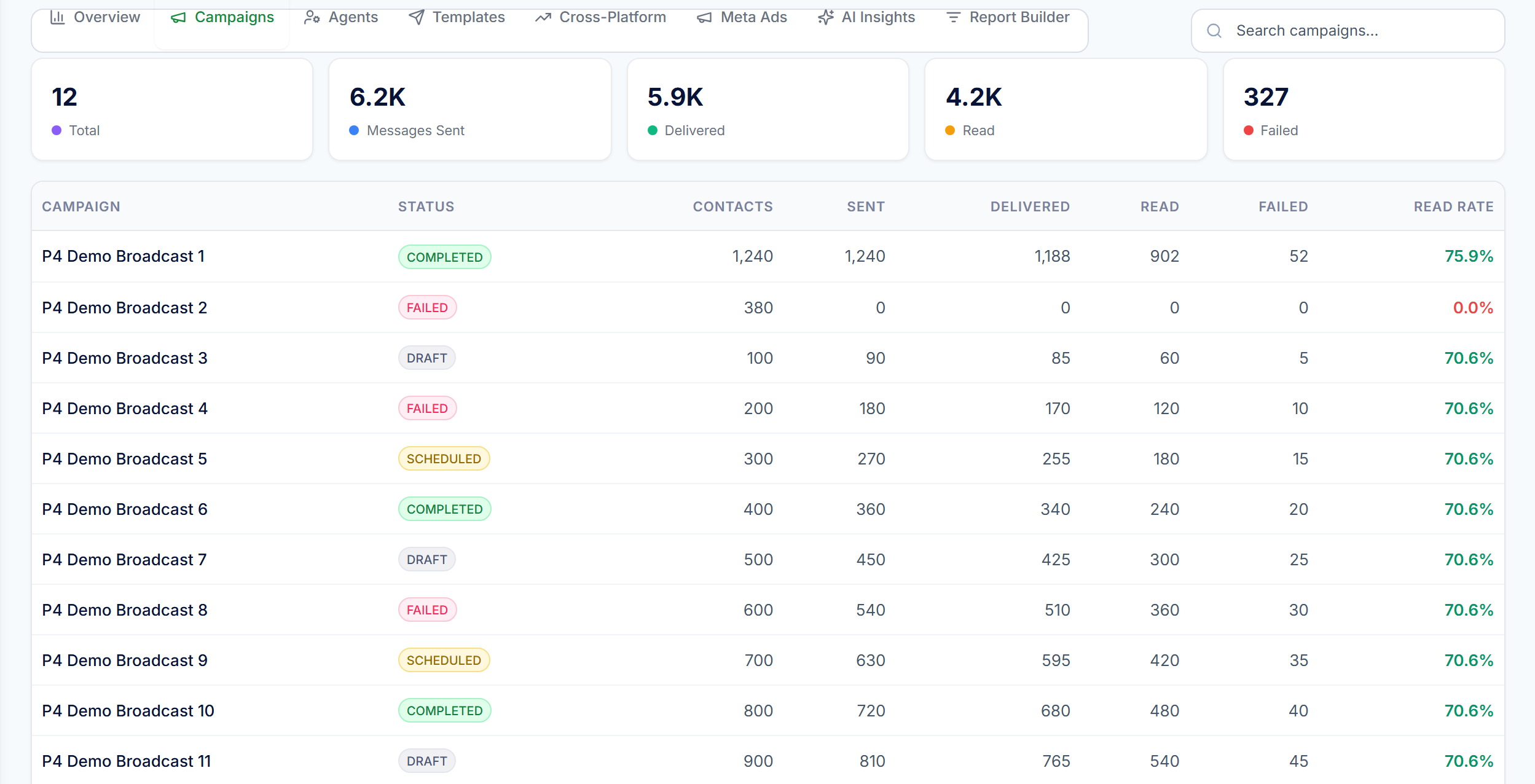
Conversations are tagged with the campaign that produced them, so the report shows which ads generated conversations, which generated qualified leads, and which only generated cost.

Know what your ad spend actually bought in LoopChat

✦ Capabilities

What Click-to-WhatsApp Ads gives you

Every click, captured

An ad click becomes a contact automatically, no manual entry, no dropped leads.

Instant greeting

Automation replies the moment the chat opens, at any hour.

Ad spend, tied to results

See what a campaign actually cost against the leads it produced, not just clicks.

AI grades every lead

Incoming leads are graded against categories you define, so your team works the hot ones first.

Qualify before handover

Ask a few questions before a person ever picks up the thread.

Lands in the shared inbox

Qualified leads arrive with source and grade already attached.

✦ Setup

Live in an afternoon

1

Point your ad at WhatsApp

Set your Facebook or Instagram ad's destination to your WhatsApp number.

2

Click opens a tagged chat

The conversation is tagged with the campaign it came from.

3

Automation greets and qualifies

An instant reply and a few questions establish intent before anyone picks up.

4

Team follows up with context

The lead lands in the shared inbox with source and grade attached.

Getting started with Click-to-WhatsApp Ads

✦ FAQ

Questions about Click-to-WhatsApp Ads

Anything else? Talk to us and we will answer it directly.

Do I need to manually add people who click my ad?

No. Every click that opens a WhatsApp chat is captured as a contact automatically.

Can I see which ads actually produce leads, not just clicks?

Yes, conversations are tagged with the campaign that produced them and ad spend is tracked against the leads a campaign produced.

How do I know which leads to work first?

Leads are graded by AI against categories you define, so your team can prioritise the ones most likely to close.

Put your conversations on autopilot today

Free plan · Official API · Live in under a day.