Shopify CRM integrations: what to connect first and what to look for
A CRM only earns its keep when Shopify orders, customer chats and follow-ups live in one place and trigger action on their own.
Contents
A Shopify CRM integration links your store's customers and orders to a system that tracks each relationship over time, so purchase history, chats and follow-ups sit together instead of across the Shopify admin, a spreadsheet and three people's phones. The payoff is not the dashboard. It is that the data starts triggering the right message to the right customer without anyone exporting a CSV.
What a Shopify CRM integration does
At its simplest, an integration does three jobs.
It syncs customer data automatically. New customers, their contact details, tags, marketing consent and orders flow into the CRM as they happen. To give a sense of what "behaviour" means in practice, WebEngage's Shopify plugin documentation lists events such as product viewed, added to cart, checkout created, order completed, order fulfilled and order cancelled, plus customer attributes like orders count and total spent. Most serious integrations work with a similar set.
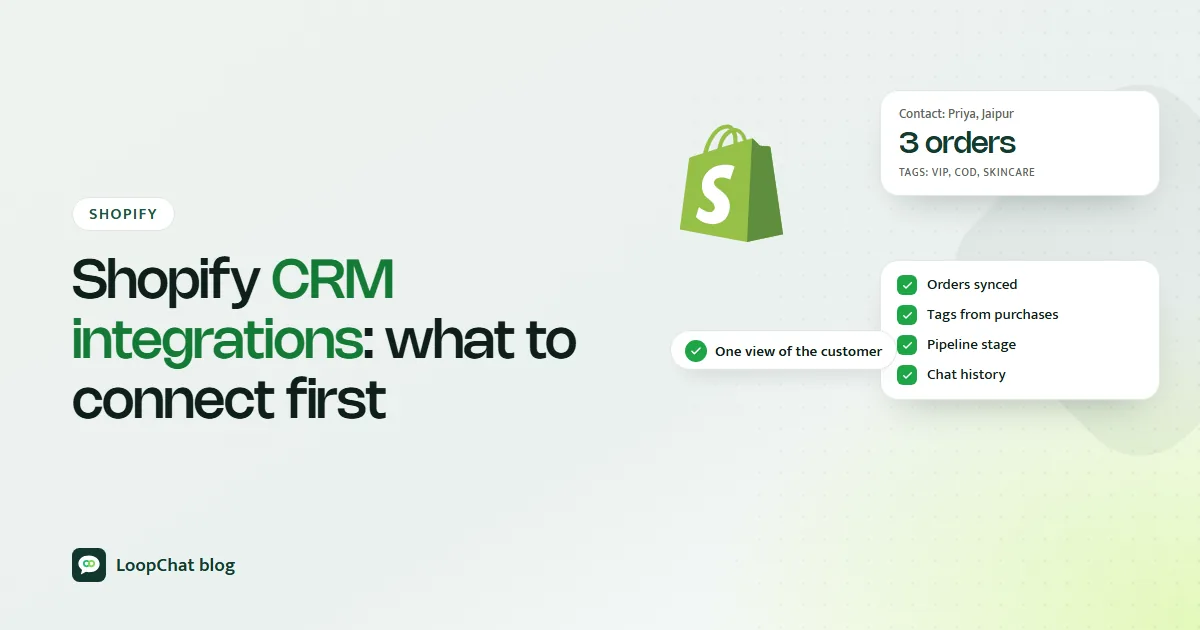
It keeps purchase history in one place. You can see that Priya in Kochi has ordered the same sunscreen three times, roughly every seven weeks, and that her last order was nine weeks ago. That one view changes what you send her next, and it is the raw material for the loyalty strategies that make customers feel remembered.
It triggers automations from behaviour. An abandoned checkout, a first order, a fifth order or a long silence can each start a different sequence.
It helps to know what Shopify already gives you. Shopify customer segments are rule-based lists that update automatically as customers meet or stop meeting the criteria, and Shopify Flow is a free automation app on the Basic, Grow, Advanced and Plus plans that runs actions when store events happen. Those cover a lot of store-side work, as our guide to Shopify workflow automation explains. A CRM integration adds a relationship layer on top: sales pipelines, an inbox where every chat sits next to the customer's orders, and a team working the same contacts without stepping on each other.
Why it matters once you pass a few hundred orders
Plenty of Indian D2C brands get good at acquisition early. Ads, influencer posts and marketplace listings bring the first thousand customers. What is usually missing is a dependable way to bring those customers back or to treat them as individuals. Our guide to Shopify customer retention covers the metrics and flows that close that gap.
Without a connected CRM, the routine looks like this: someone downloads last month's orders, sorts by city in a spreadsheet, guesses who might want the new snack flavour, and sends everyone the same message. It works at fifty orders a week. It quietly falls apart at five hundred, and the cost shows up as repeat revenue that never arrives rather than as an obvious error.
A connected system does the follow-ups, targeting and reminders on its own, so growth does not mean hiring someone just to run exports.
Four workflows to connect first
### 1. Lead capture to nurture Not every visitor is ready to buy. Someone who signs up for a size-guide download, asks about bulk pricing on WhatsApp or keeps viewing the same product should enter a short nurture sequence automatically, with consent recorded at the point of capture.
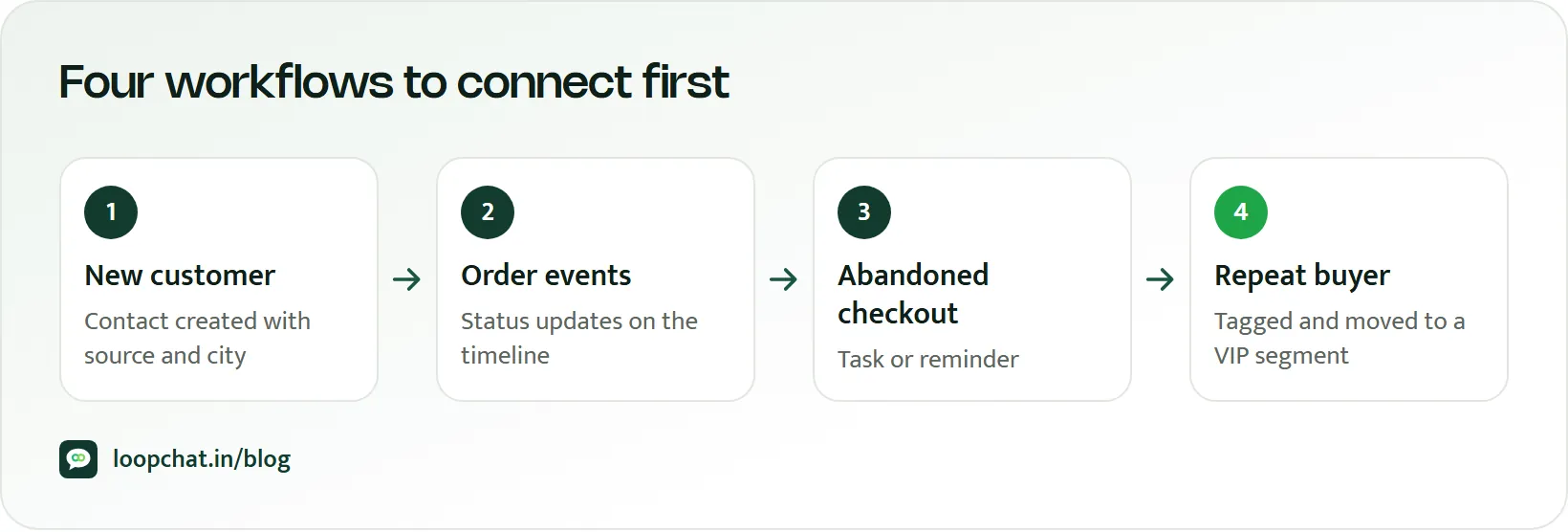
### 2. Abandoned checkout follow-up This is usually the best place to start because the shopper has already shown intent and shared a phone number or email. A reminder that links straight back to the checkout, answers the likely question (delivery date to their pincode, COD availability, return policy) and only later offers an incentive recovers revenue from traffic you have already paid for. Our step-by-step guide to Shopify abandoned cart recovery covers the sequence.
### 3. Repeat purchase reminders Use real purchase history to spot customers who are due to reorder or who have gone quiet, and message them at that moment instead of in a monthly blast. A 30-day supplement pack and a winter jacket need very different timing. More on this in repeat purchase strategies.
### 4. Support-to-sales handoff A surprising amount of buying intent arrives as a support question: "Is this available in XL?", "Do you deliver to 452001?", "Can I get it before Diwali?". If those conversations live in one person's phone, the sale depends on them remembering to follow up. Connect your support channel to the CRM so the question, the customer's order history and the follow-up task sit together. A shared inbox linked to order data is what makes this practical for a team, and our guide to AI customer support for ecommerce shows how AI can answer the routine part and hand the buying signal to a person.
What to look for in a Shopify CRM
| Capability | Why it matters | What to check in a trial |
|---|---|---|
| Native order and customer sync | No CSV imports, no stale data | Place a test order; does it appear within minutes? |
| Segments by purchase behaviour | Target by what people bought, not only opens | Can you build "ordered twice, nothing in 60 days"? |
| Event-triggered automation | Messages go out without manual work | Does an abandoned checkout start a flow on its own? |
| Inbox tied to order history | Agents see orders while chatting | Open a chat; is the customer's last order visible? |
| Channels your customers use | Reach people where they reply | WhatsApp, Instagram, email, as your audience needs |
| Consent handling | Stay within Meta and local rules | Is opt-in source recorded per contact? |
Build-it-yourself platforms versus ready-made workflows
Tools like Klaviyo and WebEngage are capable and flexible. Klaviyo's Shopify listing describes email, SMS and push with segmentation, AI-powered segments and flow triggers, and abandoned cart, checkout and browse abandonment campaigns, and says new stores get a guided setup that includes an abandoned checkout flow. WebEngage's Shopify plugin installs without code and sends a detailed stream of store events and customer attributes into your WebEngage project, where you design the journeys.
That flexibility is the point of such platforms, and it suits teams with a lifecycle marketer who enjoys building and tuning journeys. The trade-off is how much design and upkeep your team wants to own beyond the starter flows. For a small team, the useful question is simple: how many useful workflows will be running in the first week, and how many will need a specialist? Neither answer is wrong, but you should know which one you are buying. For a side-by-side view of one such platform, see LoopChat vs Klaviyo.
Mistakes that waste a CRM rollout
- Stopping at the sync. If the CRM only becomes a nicer report of last month's orders, nothing changed. The value is in the automations the data triggers. - Building everything at once. Twenty segments and a dozen flows launched in one week means none of them gets tested or maintained. Start small. - Ignoring the support-to-sales handoff. Pre-sales questions are some of your warmest leads. Losing them in a personal phone is an expensive habit. > Start with one workflow that earns money, usually abandoned checkout follow-up, and prove it before building the next.
- Choosing on feature count. A long feature list you never set up is worth less than three workflows running from day one. Judge tools on time to value.
- Forgetting consent. Meta requires a person's number, a clear agreement to hear from your named business, and compliance with applicable law before you message them on WhatsApp. Sync the opt-in status, not just the number.
A setup checklist
- Confirm native Shopify customer and order sync, with no manual export step.
- Turn on abandoned checkout follow-up as your first automated workflow.
- Add at least one replenishment or win-back trigger based on real purchase history.
- Route support conversations into the same system so pre-sales questions get followed up.
- Run two or three workflows until they are clean, then expand.
- Review every month which workflows produced orders, not just which ones are switched on.
Frequently asked questions
### Does Shopify have a built-in CRM? Shopify stores customer profiles and order history, and offers customer segments and the Shopify Flow automation app. A connected CRM adds sales pipelines, a team inbox tied to order history and shared contact management on top of that data.
### Which workflow should I connect first? Abandoned checkout follow-up, in most cases. The shopper has already shown intent and shared contact details, so recovery is quick to set up and its results are easy to measure.
### Do I need a separate CRM if I already use an email tool? Not always. If your email tool syncs Shopify orders and runs the flows you need, it may be enough. A CRM with a shared inbox earns its place when customer conversations, especially on WhatsApp and Instagram, start driving sales.
### How many segments should I start with? A handful: first-time buyers, repeat buyers, customers due to reorder, and customers who have gone quiet. Add more only when you have a specific message for them.
How LoopChat helps
LoopChat combines a CRM and a shared inbox for WhatsApp, Instagram and web chat with Shopify and WooCommerce connections. Contacts carry tags and sit in pipelines; your team can assign chats, add notes and hand conversations between the AI agent and a human. Out of the box you can run abandoned cart and checkout reminders, COD order confirmation, order and shipping updates and reorder nudges, then extend them in the no-code flow builder. See all WhatsApp integrations.
Shopify connections and the CRM are on the Sprint plan; the REST API and webhooks for connecting other systems are on the Turbo plan. Details are on the pricing page.
Start a 15-day free trial or book a demo to see it connected to your store.
Sources
- WebEngage Docs: Shopify (accessed October 2026)
- Shopify App Store: Klaviyo: Email Marketing & SMS (accessed October 2026)
- Shopify Help Center: Customer segmentation (accessed October 2026)
- Shopify Help Center: Shopify Flow (accessed October 2026)
- Meta for Developers: Get opt-in for WhatsApp (accessed October 2026)