Shopify abandoned cart recovery: a practical playbook for Indian stores
One reminder email is not a recovery system. Here is how to sequence WhatsApp, email and on-site nudges, and how to measure what actually comes back.
Contents
- What recovery means (and what it does not)
- Why recovery is worth the effort
- What Shopify gives you out of the box
- Choosing your channels
- Build a three-step sequence
- Writing reminders that get read
- WhatsApp and SMS: rules and when to use each
- The numbers to track
- Improving it month by month
- Recovery checklist
- How LoopChat helps
Shopify abandoned cart recovery means bringing back shoppers who have already left, with a short sequence of reminders rather than a single email. The stores that recover the most send the first message within the hour, use WhatsApp alongside email, hold discounts back until the last step, and measure recovered orders by channel so they know what is working.
What recovery means (and what it does not)
Reducing abandonment is about fixing your store so fewer people leave. Recovery is what happens after they have gone. Both matter, but they are different jobs, and our guide on how to reduce cart abandonment on Shopify covers the on-site side.
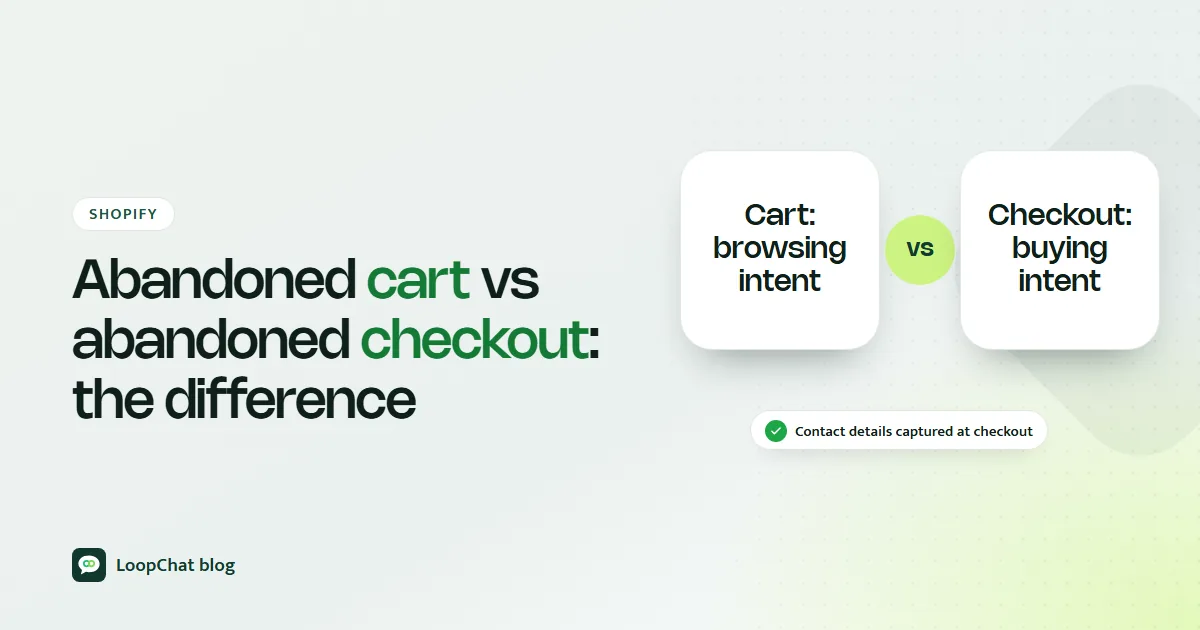
People say "abandoned cart" for two different situations. An abandoned cart is a shopper who added products but never started checkout. An abandoned checkout is a shopper who started checkout and gave contact details, then left before paying. Shopify handles them differently, and we explain the detail in abandoned cart vs abandoned checkout.
Whichever stage they left at, a good recovery system does five things: it reaches shoppers on the channel they actually read, it arrives while interest is still warm, it shows the exact product they left, it answers the likely objection, and it follows up more than once without nagging.
Why recovery is worth the effort
Baymard Institute's documented average cart abandonment rate is 70.22% across 50 studies. Even modest recovery adds up. Take a hypothetical store with ₹10 lakh of carts abandoned in a month: bringing back just 5% of that value is ₹50,000 of orders from people who already chose your product.
Those shoppers have also cost you money to acquire. Winning back someone who already picked a size and colour is usually far cheaper than paying for a brand-new click, which is why recovery sits near the top of any plan to grow Shopify revenue without more ad spend.
The reasons they left are familiar: delivery charges that appeared late, a slow or long checkout, doubts about paying a new site, a missing COD, UPI or EMI option, or a phone call that interrupted them. Your reminders should speak to these, and we look at the local side of each in why customers abandon carts in India.
What Shopify gives you out of the box
Shopify counts a checkout as abandoned when it stays incomplete for more than ten minutes after the customer has entered their email. You can find these under Orders > Abandoned checkouts and send the recovery link to a customer by hand.
For automation, Shopify's Messaging app (Apps > Messaging > Automations) has three templates: recover abandoned checkout, recover abandoned cart and convert abandoned product browse, sent by email or SMS. You can change the wait time by editing the workflow, which uses Shopify Flow.
The built-in tools are a solid base, with limits worth knowing:
- Marketing automations send only to customers subscribed to email marketing by default. Only the abandoned checkout automation can be switched to all customers.
- The checkout email is not sent if the shopper entered a phone number instead of an email, which matters if your checkout lets shoppers do that.
- There is no WhatsApp channel, and no two-way conversation if the shopper has a question.
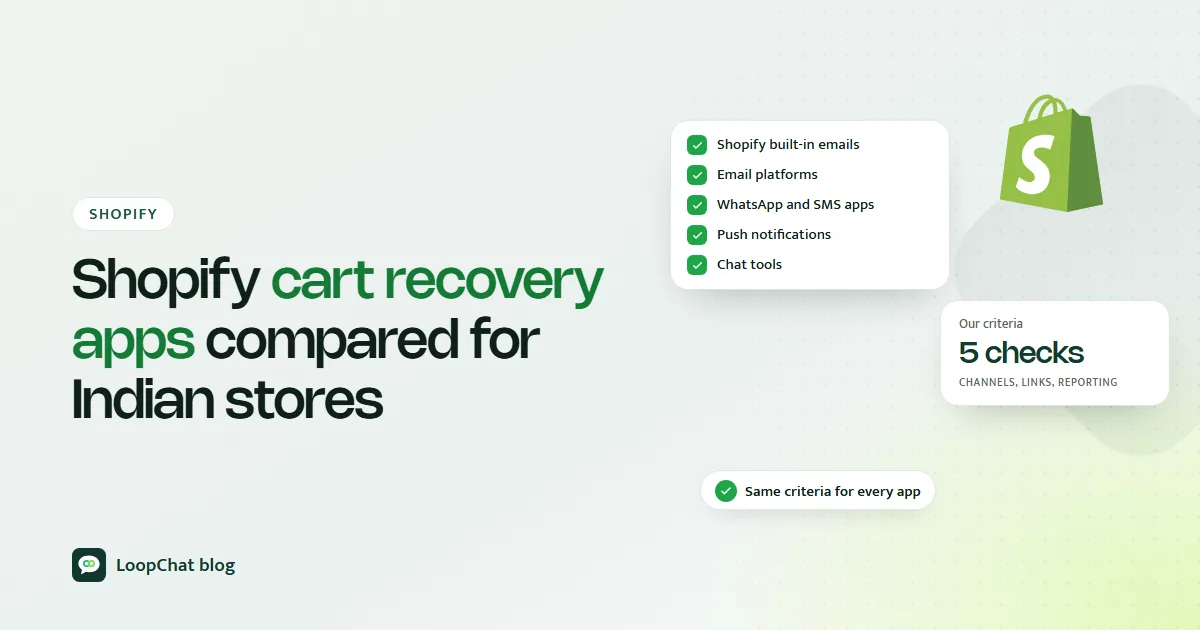
If those limits matter for your store, our comparison of Shopify cart recovery apps for 2026 looks at the options across email, SMS, WhatsApp, push and chat.
Choosing your channels
| Channel | Best for | Watch out for |
|---|---|---|
| Indian shoppers, questions, image-led products | Needs opt-in; paid marketing template | |
| Detail, longer consideration, higher-value carts | Often read late or missed | |
| SMS | Short nudges where WhatsApp consent is missing | Plain text only; check consent and registration rules |
| Browser push | Visitors who allowed notifications | Small opted-in audience |
| Retargeting ads | Anonymous cart abandoners | You pay per impression or click |
| On-site | Returning visitors, saved carts | Only works if they come back |
For most Indian D2C brands, WhatsApp plus email covers the bulk of reachable shoppers, with ads picking up anonymous visitors.
Build a three-step sequence
Start with timing you can test, not fixed rules. A sensible default:
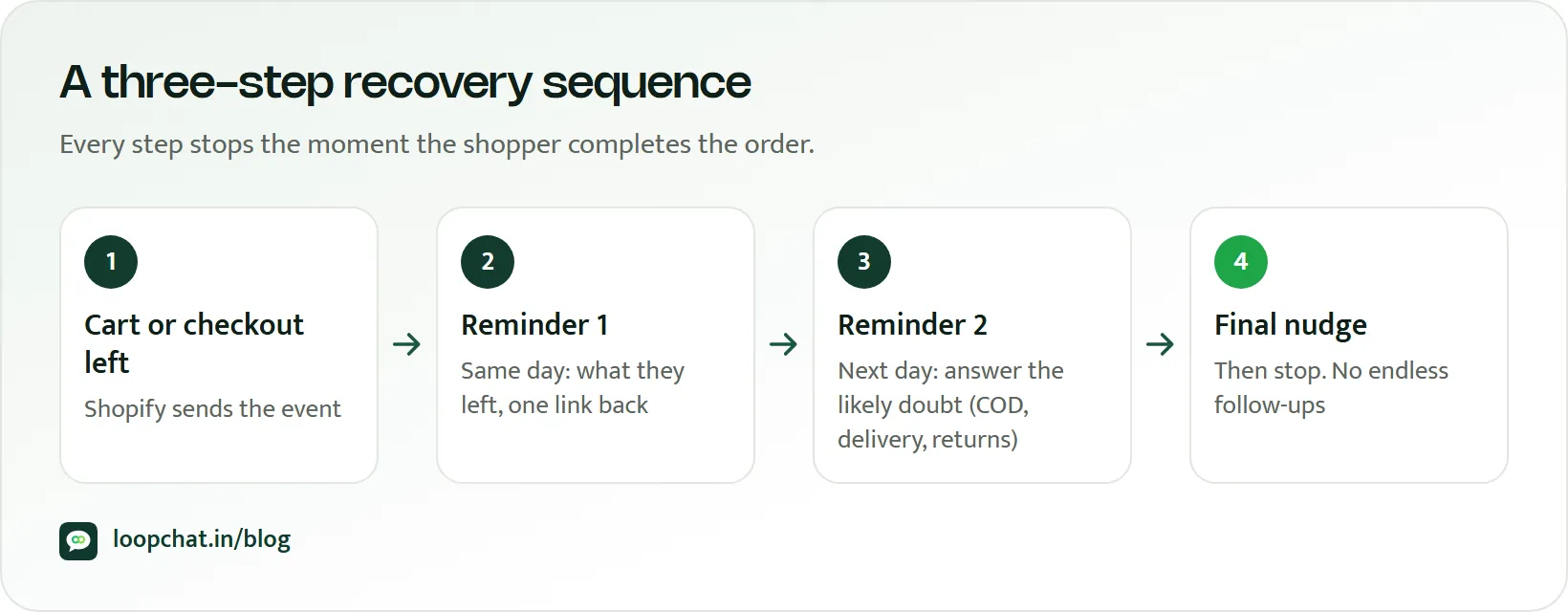
- Within an hour: a short WhatsApp message with the product name, image and a direct link back to the cart. No discount.
- Around 24 hours: an email or WhatsApp follow-up that handles objections: delivery date to their pincode, return or exchange policy, COD availability, real reviews.
- 48 to 72 hours: a final message with a genuine reason to act, such as free delivery for a limited time or a size running low. This is the only place a discount belongs.
Stop the sequence the moment the order is placed. Messaging someone who has already paid is the quickest way to look careless.
Personalise at least three things: the shopper's first name, the actual product with its image, and a link that reopens their cart. Then segment. A ₹4,500 silk saree cart deserves a more careful, reassurance-led sequence than a ₹299 phone cover. Returning customers usually need a light nudge; first-time buyers need trust. Mobile shoppers want shorter messages and one-tap links.
Writing reminders that get read
Lead with the product, not your brand: "Your rose water toner is waiting" beats "Complete your purchase". Keep each message to one idea and one button. Pull product images straight from your catalogue so they always match. Add one trust signal, such as "Easy 7-day exchange" if that is your actual policy. Use urgency only when it is real.
Mistakes that cost you orders
- Sending more than three messages in a sequence.
- Putting a discount in the first reminder, which teaches customers to abandon on purpose.
- Using a no-reply sender, so questions go nowhere.
- Reminding people who have already bought.
- Repeating the same copy at every step.
WhatsApp and SMS: rules and when to use each
On WhatsApp, Meta requires that the person has opted in to messages from your business, with your business name stated clearly. Meta's template guidelines list "you left items in your cart" messages under marketing, and say retargeting messages are marketing even when the user asked for them, so pick that category when you submit; our tips on getting WhatsApp templates approved cover the common rejections. Marketing templates are charged per delivered message; you can estimate costs with our WhatsApp pricing calculator. Collect a clear opt-in at checkout or on a sign-up form. A shopper messaging you first is not consent to marketing.
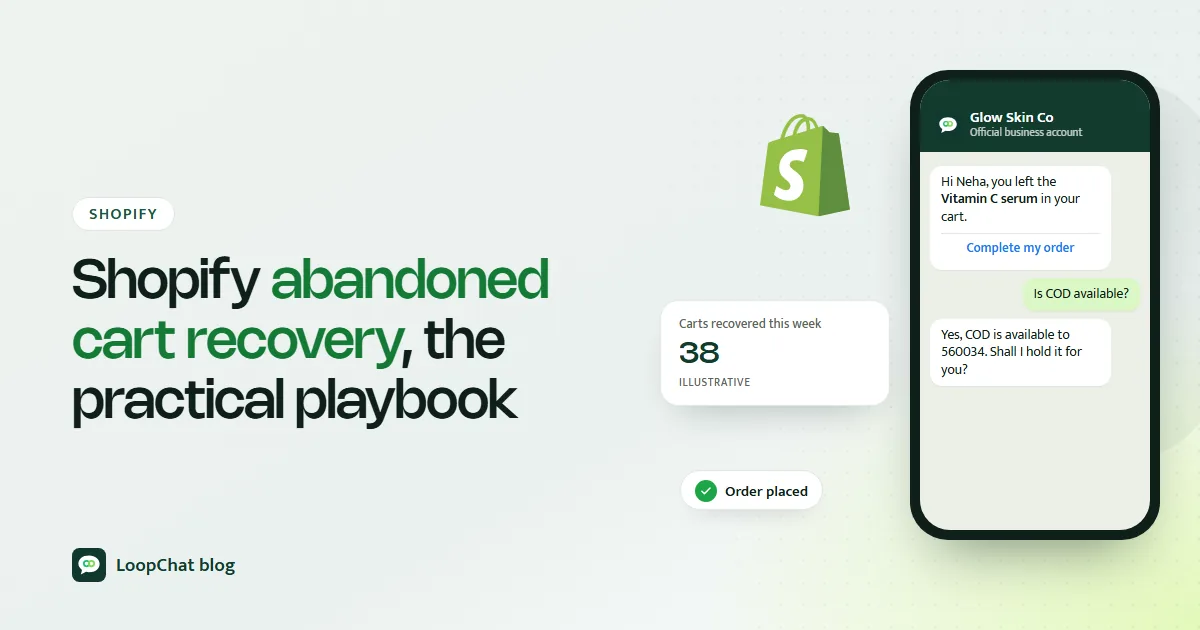
A WhatsApp reminder can invite a reply:
SMS works when you have a number but no WhatsApp consent, or for very short nudges. Before sending, check your SMS provider's consent and registration requirements.
Choose WhatsApp when the product needs reassurance, when customers tend to ask questions (sizing, shade matching, compatibility), or when the product sells on its looks. The same channel works after the order too: confirming cash-on-delivery orders before dispatch is covered in our guide to cutting COD failures.
The numbers to track
Recovery rate = orders from recovery messages ÷ abandoned carts or checkouts × 100. Track it overall and by step.
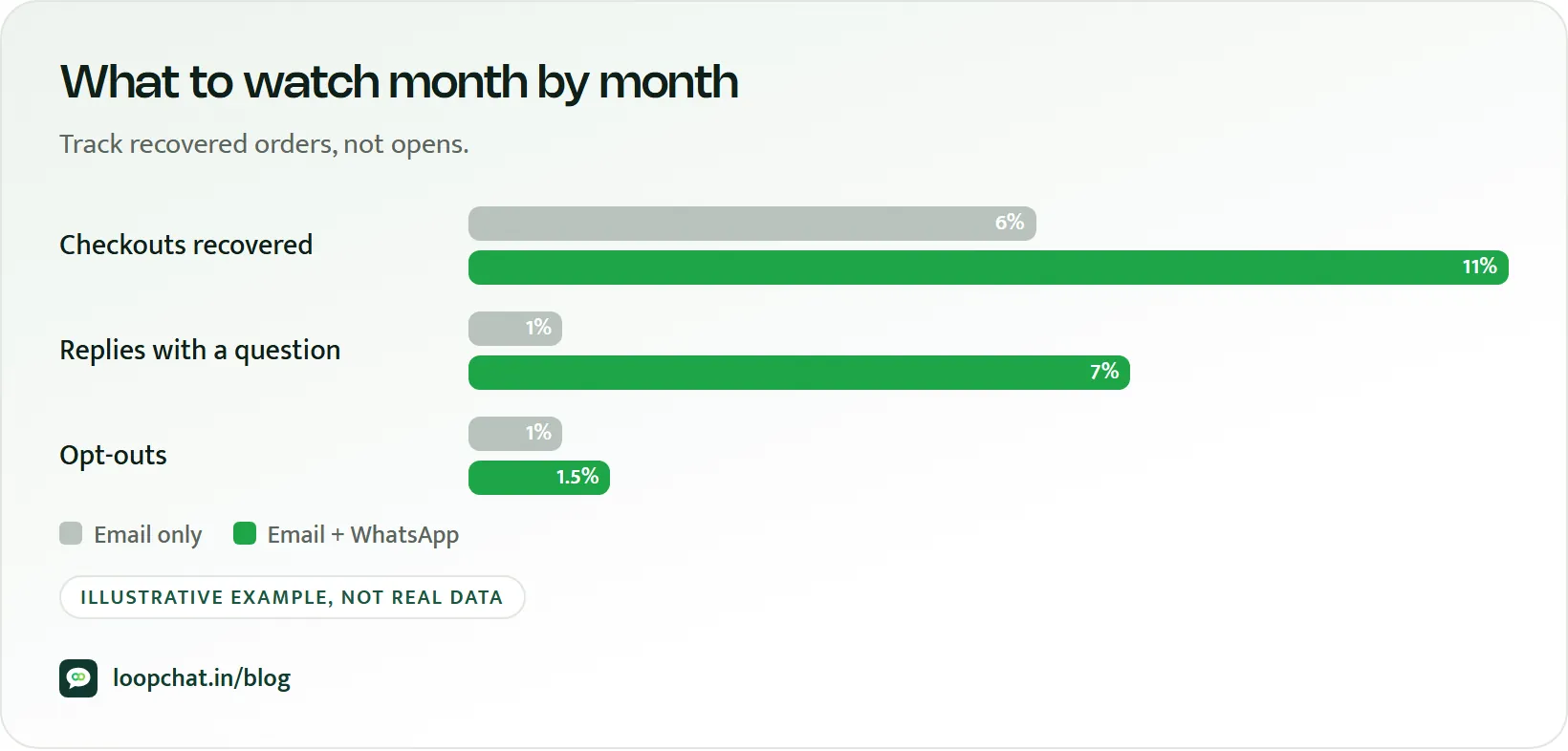
Beyond that, watch recovered revenue by channel and by message, the conversion rate of each channel, and incremental lift: compare against a small holdout group that receives no reminders, because some shoppers would have returned anyway. Finally, track discount dependency. If most recoveries only happen at the discount step, your real problem is probably price or delivery cost on the store itself.
Improving it month by month
Test one variable at a time and let each test run at least two weeks: first-message timing, WhatsApp-first versus email-first, or offer versus no offer. Keep improving checkout, because every fix there means fewer carts to recover. Add social proof and reassurance to reminders: ratings, delivery estimates, payment options. Use exit-intent capture on desktop and gentle timed prompts on mobile. Treat repeat abandoners as their own segment; a direct question such as "Was anything unclear about sizing?" often reveals more than another reminder.
Recovery checklist
- Shopify's abandoned checkout automation turned on and checked.
- First reminder going out within the hour.
- Opt-in collected for every channel you message on.
- Two or three messages in total, stopping automatically on purchase.
- Specific opening lines, live product images, one button per message.
- No discount before the final step.
- Recovery rate and recovered revenue tracked by channel each week.
- Discount dependency reviewed monthly, repeat abandoners flagged.
Treat recovery as ongoing operations, not a one-time setup. What shoppers ask about in replies is free research: feed it back into your product pages, delivery messaging and checkout.
How LoopChat helps
LoopChat connects to Shopify and WooCommerce and sends abandoned cart and checkout reminders on WhatsApp automatically, with waits and conditions you set in a no-code automation flow builder. Replies land in a shared inbox, where an AI agent answers in English, Hindi or Hinglish and hands over to your team with one click. You can add payment links to help shoppers finish the order in the chat.
Shopify and WooCommerce connections come with the Sprint plan, and the Turbo plan adds A/B split journeys and revenue attribution reports for testing sequences. Plans are on our pricing page. Start a 15-day free trial or book a demo to see it on your store.
Sources
- Baymard Institute: 50 Cart Abandonment Rate Statistics 2026 (accessed October 2026)
- Shopify Help Center: Recovering abandoned checkouts (accessed October 2026)
- Shopify Help Center: Create marketing automations (accessed October 2026)
- Shopify Help Center: Migrate to the new abandoned checkout automation (accessed October 2026)
- Meta for Developers: Get opt-in for WhatsApp (accessed October 2026)
- Meta for Developers: Template categorization guidelines (accessed October 2026)
- Meta for Developers: WhatsApp Business Platform pricing (accessed October 2026)