WhatsApp blue tick for businesses in India: how verification actually works in 2026
Official Business Account on the API, Meta Verified on the Business app: two different badges, two different routes. Here is which one applies to you.
Contents
- What the WhatsApp verified badge means
- Two programmes, two products
- Who is eligible for an Official Business Account
- How to request an Official Business Account, step by step
- Meta Verified on the WhatsApp Business app
- Documents to prepare
- Why OBA requests get rejected
- What to do after a rejection
- Is the badge worth chasing?
- Which route fits your business
- Checklist before you apply
- Frequently asked questions
- How LoopChat helps
In India there are two ways a business gets a verified badge on WhatsApp. If you use the WhatsApp Business Platform (the API), you request an Official Business Account in WhatsApp Manager, which is free but reviewed by Meta. If you use the WhatsApp Business app on your phone, the route is Meta Verified, a paid monthly subscription. Which one applies depends on the product you use, not on your preference.
Below are both routes as of October 2026, from Meta's own help pages and developer documentation. Where Meta publishes no rule, we say so.
What the WhatsApp verified badge means
Meta's developer documentation says an Official Business Account (OBA) number shows a blue checkmark beside its name, and Meta's help centre says it appears on the profile and in chat thread headers. For a customer in Kochi who gets a message about a COD order, it signals that Meta has checked this is the real business and not someone using its name.
There is a bonus: Meta notes that a non-OBA number does not appear in WhatsApp search unless the user has saved it as a contact.
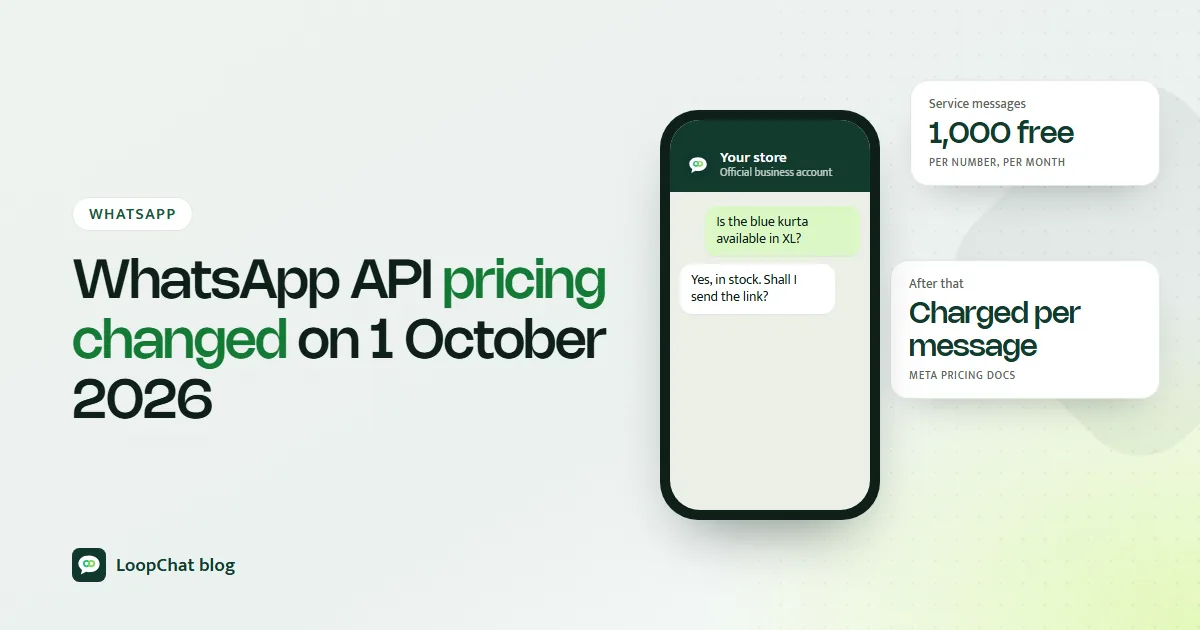
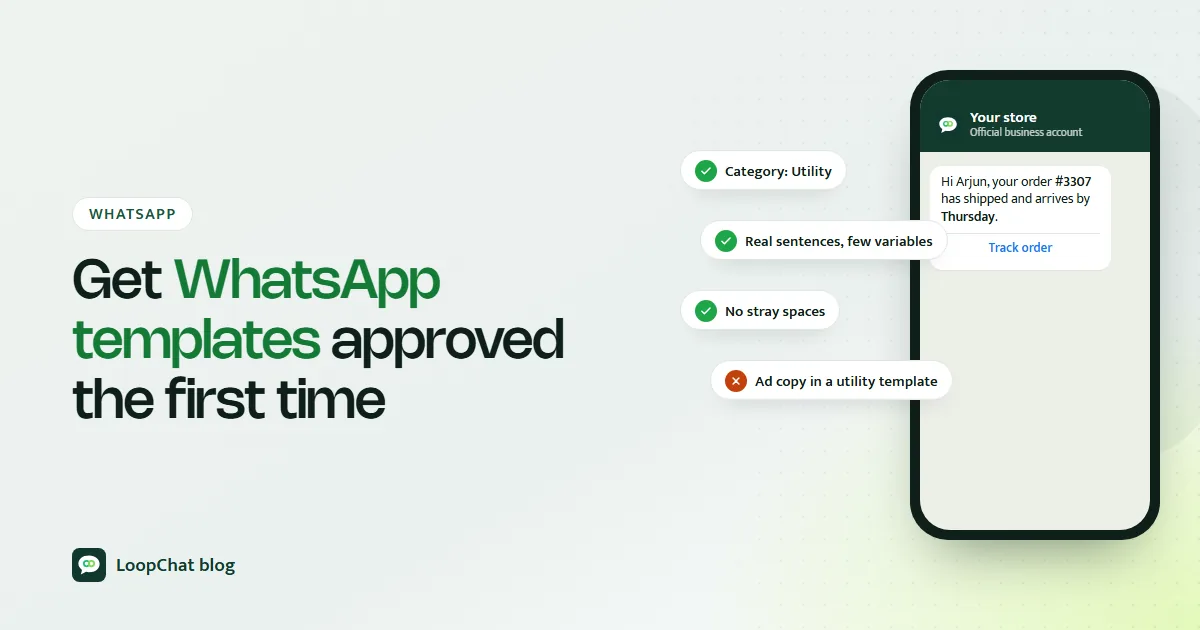
The badge does not change how messaging works. Templates still need approval (see our guide to getting WhatsApp templates approved), and Meta's per-message price still depends only on message category and the customer's country, as our explainer on the October 2026 WhatsApp pricing change sets out. It is a trust marker, not a feature upgrade.
Two programmes, two products
| Official Business Account | Meta Verified | |
|---|---|---|
| Which product | WhatsApp Business Platform (API) | WhatsApp Business app |
| Cost | No fee listed by Meta | Paid monthly subscription |
| How you get it | Request in WhatsApp Manager, Meta reviews | Subscribe and confirm your business |
| Extras | Badge, better discoverability | Badge, impersonation protection, account support and other features |
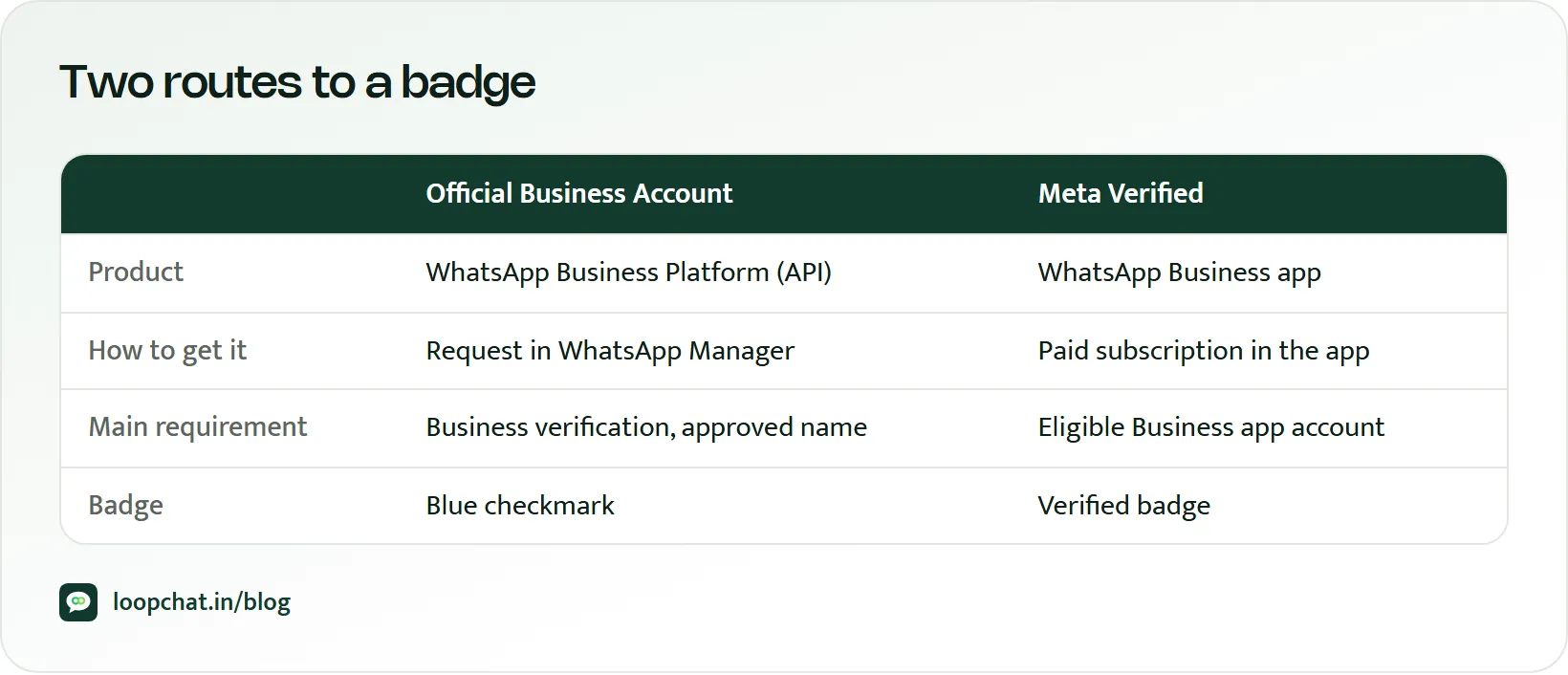
Meta's help centre is explicit that OBA is not granted to WhatsApp Business app users, because they have not been through business verification. And Meta's announcements place Meta Verified for WhatsApp on the Business app. Meta's developer documentation, as of October 2026, does not describe Meta Verified as an option for API numbers. If you are on the API, plan for OBA.
Who is eligible for an Official Business Account
Meta's developer documentation lists these criteria:
- Your business complies with the WhatsApp Business Messaging Policy.
- Your business has been registered on the WhatsApp Business Platform for at least 30 days.
- The business portfolio that owns the number has completed Meta's business verification.
- The phone number has two-step verification switched on.
- The number's display name has been approved.
Meta's help centre phrases the verification point slightly differently: you either complete business verification or show a record of sending high-quality messages with at least 1,000 conversations over 30 consecutive days. Completing business verification is the safer path and is needed for other platform features anyway.
Meta does not grant OBA to employees' personal numbers, test accounts or Business app numbers. Most Indian brands reach the API through a provider; our WhatsApp Business API guide explains how that set-up works.
Business verification first
Business verification happens in the Security Center of Meta Business Suite and needs someone with full control of the business portfolio. You enter your legal business name, address, phone number and website, and Meta tries to match them to a record. If it cannot, you upload official documents. You then confirm your connection by email, phone, text, WhatsApp message or domain verification.
Note that Meta states business verification is not the same as Meta Verified and does not itself give you a badge.
Get the display name right
Meta reviews display names against published guidelines. The name must clearly relate to your legal business name or external branding, and it must not be a generic term ("Fashion") or a place ("Jaipur"). It must not include words like "Official" or "Verified", must not mention Meta or WhatsApp, and must not carry promotional text such as "20% off". A name like "Kesar Kurtis by Kesar Apparel" is the safe pattern.
If you already have OBA and want to change your display name, Meta's documentation says you must contact support to do it.
How to request an Official Business Account, step by step
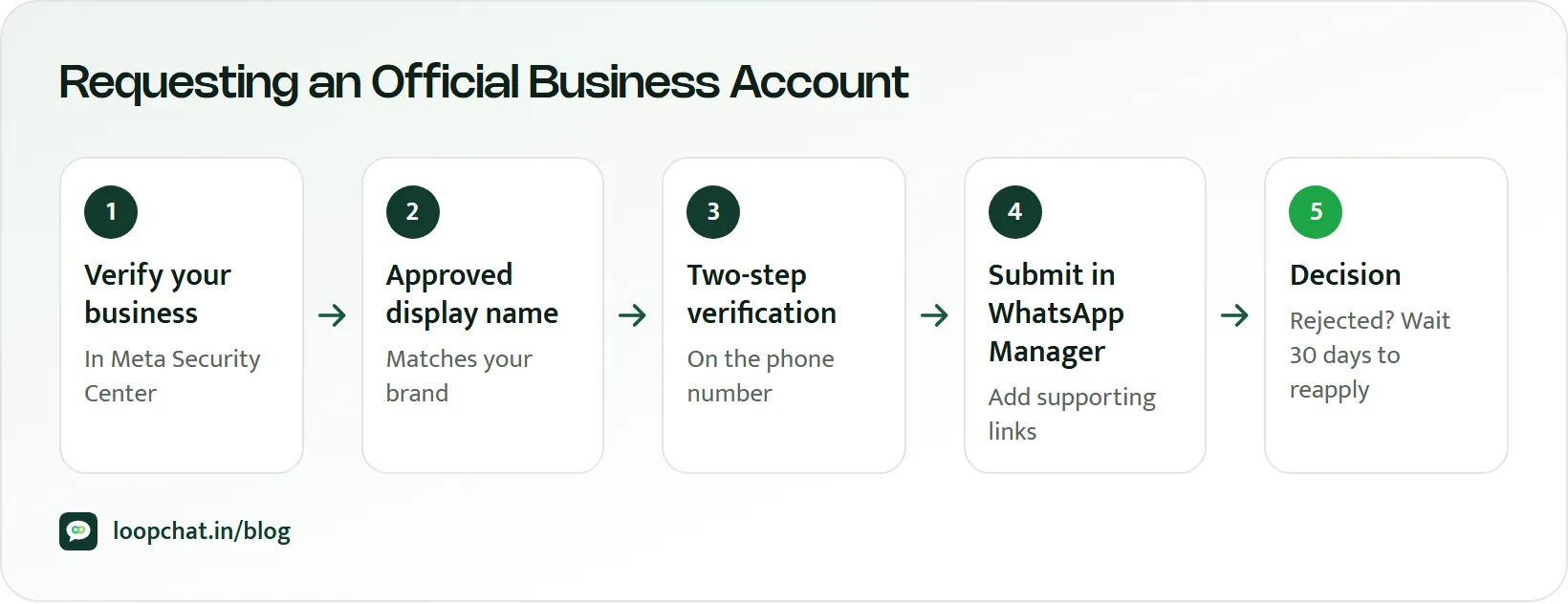
- Get on the platform and wait out the 30 days. Your number must have been on the WhatsApp Business Platform for at least 30 days.
- Finish business verification in Meta Business Suite's Security Center.
- Confirm your display name is approved and is the name you want customers to see.
- Turn on two-step verification for the number. WhatsApp Manager will not let you submit without it.
- Submit the request. In Meta Business Suite, open All tools, then WhatsApp Manager, select the phone number, and under Profile find Official business account and click Submit request. Enter the information asked for and submit.
- Wait for the decision. Meta sends a notification once the review is complete. It does not publish a review timeline.
No option showing despite meeting every criterion? Meta suggests asking your solution provider or Meta Support.
Meta publishes no review standard beyond the listed criteria. Make your brand easy to confirm from outside: a website on your own domain, consistent naming across site, marketplaces and social profiles, and any genuine press coverage.
Meta Verified on the WhatsApp Business app
Meta began rolling out Meta Verified on the WhatsApp Business app in India in mid-2024 and said in September 2024 that it was available to all eligible small businesses in India using the app. Meta describes it as a subscription where businesses that demonstrate their authenticity get a verified badge, plus impersonation protection, account support and extra features. The same badge appears on the business's WhatsApp Channel and its custom WhatsApp page.
Pricing: when Meta launched Meta Verified business plans in India in July 2024, it said plans started at ₹639 a month for a single app and could be bought only through the iOS or Android apps. Prices may have changed since, so check the current figure in the WhatsApp Business app.
Documents to prepare
Meta's list of accepted document types for business verification is:
- Certificate or articles of incorporation
- Business registration or licence document
- Government-issued business tax document, such as a tax certificate (self-filed tax documents are not accepted)
- Business bank statement
- Utility bill, accepted only to confirm address and phone number, and it must show the legal business name
For an Indian business, that may include a Certificate of Incorporation, a registration certificate or a GST registration certificate. Check each against Meta's list before uploading. Documents must be current, issued by the relevant authority, and in a supported language (English and Hindi are both supported; Bengali too).
The common mistakes are mismatched names and addresses, expired documents, and trying to prove the legal name with a utility bill.
Why OBA requests get rejected
Meta says only that a denied request did not meet the eligibility requirements at that time. So check the requirements themselves:
- Business verification not complete, or completed under a different legal name
- Display name not approved, or not matching the brand
- Two-step verification off
- Fewer than 30 days on the platform
- Policy problems on the account
What to do after a rejection
Meta says you must wait 30 days before submitting another request. Use the time to fix the gap, tidy your public footprint and match every name and address to your documents. Your business profile (photo, email, website, description) stays editable meanwhile.
Is the badge worth chasing?
The badge helps most where trust is the obstacle. A shopper in Indore deciding whether to confirm a ₹1,800 COD order, or to pay a UPI link sent on WhatsApp, is reassured by a verified name. That counts if you are cutting COD failures with WhatsApp confirmations, or nudging buyers to prepaid while weighing UPI merchant charges. It also makes it harder for scammers to pass themselves off as your brand.
For an API brand, OBA costs only preparation, so apply once you qualify. On the app, weigh the Meta Verified fee against how often customers hesitate over trust.
Which route fits your business
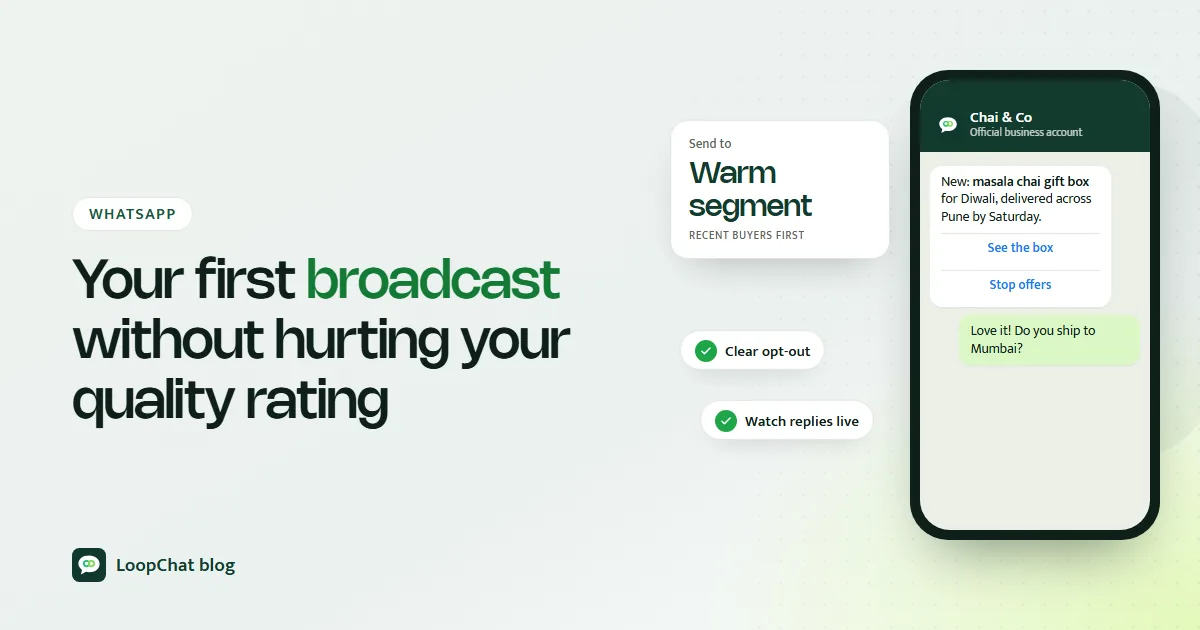
If you send automated order updates or large broadcasts through a platform, you are most likely on the API, so OBA is your route. A small shop run from the Business app on one phone has Meta Verified. Either way, the badge does not protect your quality rating; how you plan your first broadcast campaign does.
Checklist before you apply
- Number on the WhatsApp Business Platform for 30 days or more
- Business verification complete under your exact legal name
- Display name approved and matching your brand
- Two-step verification on
- Website live on HTTPS with consistent branding
- Policy-clean account and a plan for the 30-day wait if rejected
Frequently asked questions
Is the WhatsApp blue tick free?
The Official Business Account on the WhatsApp Business Platform has no fee listed by Meta. Meta Verified, the route for the WhatsApp Business app, is a paid monthly subscription.
Can I get OBA on the WhatsApp Business app?
No. Meta says it does not grant Official Business Account status to WhatsApp Business app users. App users in India can look at Meta Verified instead.
How long after joining the API can I apply?
Meta requires your business to have been registered on the WhatsApp Business Platform for at least 30 days.
What happens if my request is rejected?
You can submit a new request after 30 days. Fix whatever caused the rejection, usually verification, display name or naming mismatches, before you reapply.
Does business verification give me the badge?
No. Meta states that verifying your business in Meta Business Suite is different from Meta Verified and does not give a badge. Meta's developer documentation lists it as an OBA eligibility requirement.
How LoopChat helps
LoopChat runs on the official WhatsApp Business Platform (Cloud API), the product an Official Business Account applies to. Once your number is live, the shared inbox puts WhatsApp, Instagram and website chats in one place, AI agents answer in English, Hindi and Hinglish with one-click human handover, and Shopify and WooCommerce automations send COD confirmations, order updates and cart reminders.
The OBA request itself is made by you in WhatsApp Manager. If you are moving from another tool, see switch to LoopChat for the steps. You can start a 15-day free trial or book a demo.
Sources
- Meta for Developers: Official Business Accounts (accessed October 2026)
- Meta Business Help Center: Request a WhatsApp official business account (accessed October 2026)
- Meta Business Help Center: How to verify your business in Meta Business Suite (accessed October 2026)
- Meta Business Help Center: Which official documents do I need to upload to verify my business (accessed October 2026)
- Meta Business Help Center: Display name guidelines for the WhatsApp Business Platform (accessed October 2026)
- Meta for Developers: Display names (accessed October 2026)
- WhatsApp Blog: Introducing AI tools, Meta Verified and more for businesses on WhatsApp (accessed October 2026)
- Meta Newsroom: New ways for businesses to have more meaningful conversations on WhatsApp (accessed October 2026)
- Meta Newsroom: Launching Meta Verified subscription plans for businesses on Instagram and Facebook in India (accessed October 2026)