
01
Qualify before anyone picks up
A flow can establish budget, city, timeline or order number before a member of your team ever reads the thread, so the first human reply is already informed.
✦ Flows
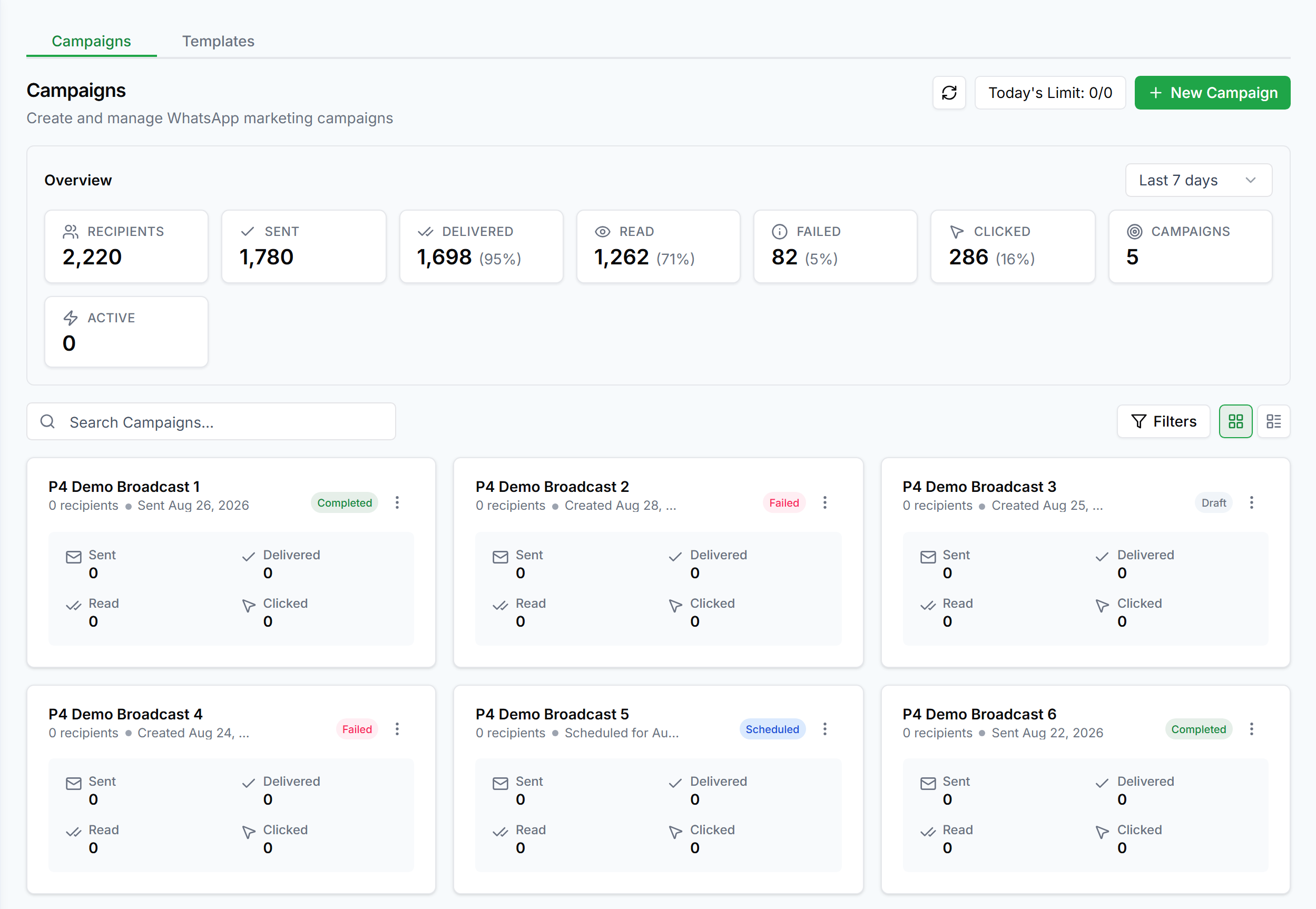
Ask a question, offer buttons or a list, branch on the answer, and store what the customer tells you straight onto their contact record. No code, and changes go live the moment you save.
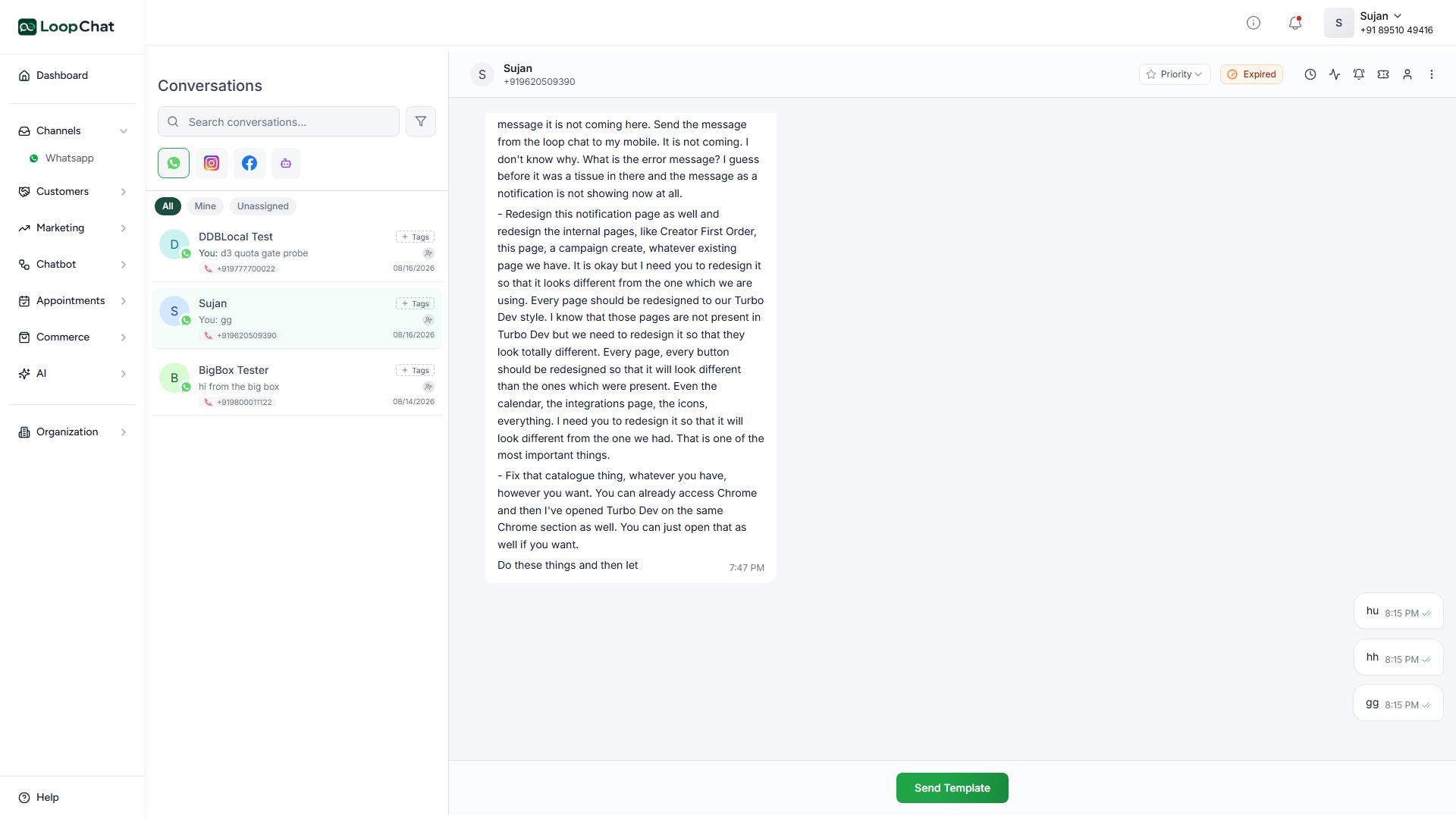
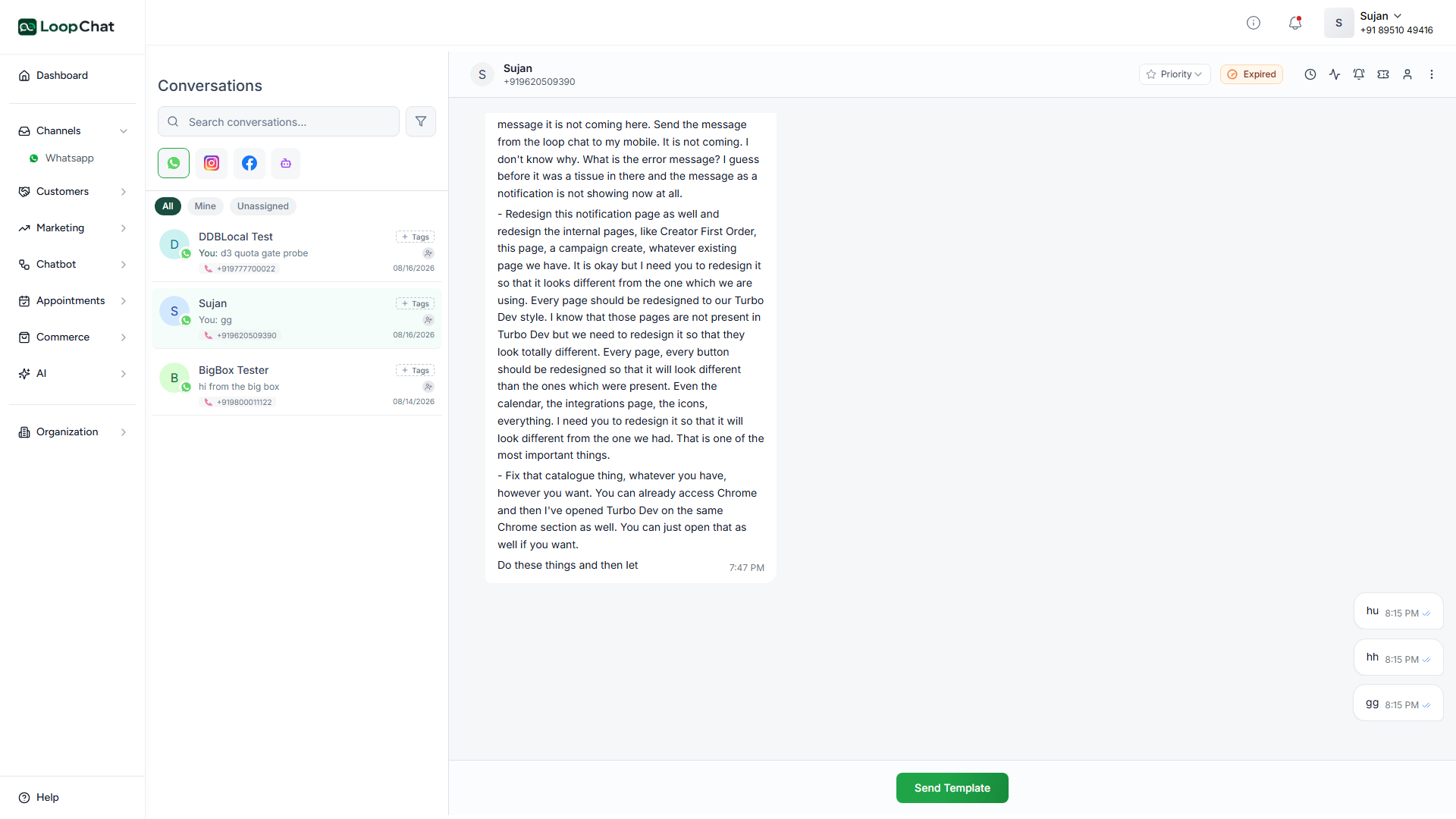
A flow can establish budget, city, timeline or order number before a member of your team ever reads the thread, so the first human reply is already informed.
Answers write to contact fields, which means you can segment on them later and broadcast only to the people the message actually applies to.
✦ Capabilities
Mix free-text questions with structured button and list choices in the same flow.
Send different customers down different paths depending on what they answer.
Free-text answers are stored on the contact record as the flow runs, ready to segment later.
A flow remembers where each customer got to, so a reply an hour later continues mid-flow, not from the start.
End in the shared inbox whenever a flow needs a person instead of a script.
Build visually and changes go live the moment you save.
✦ Setup
Trigger from a keyword, a button tap, or a new incoming contact.
Question, button and list steps branch on whatever the customer answers.
Free text writes to the contact record automatically.
End in the shared inbox, or complete silently once you have what you need.
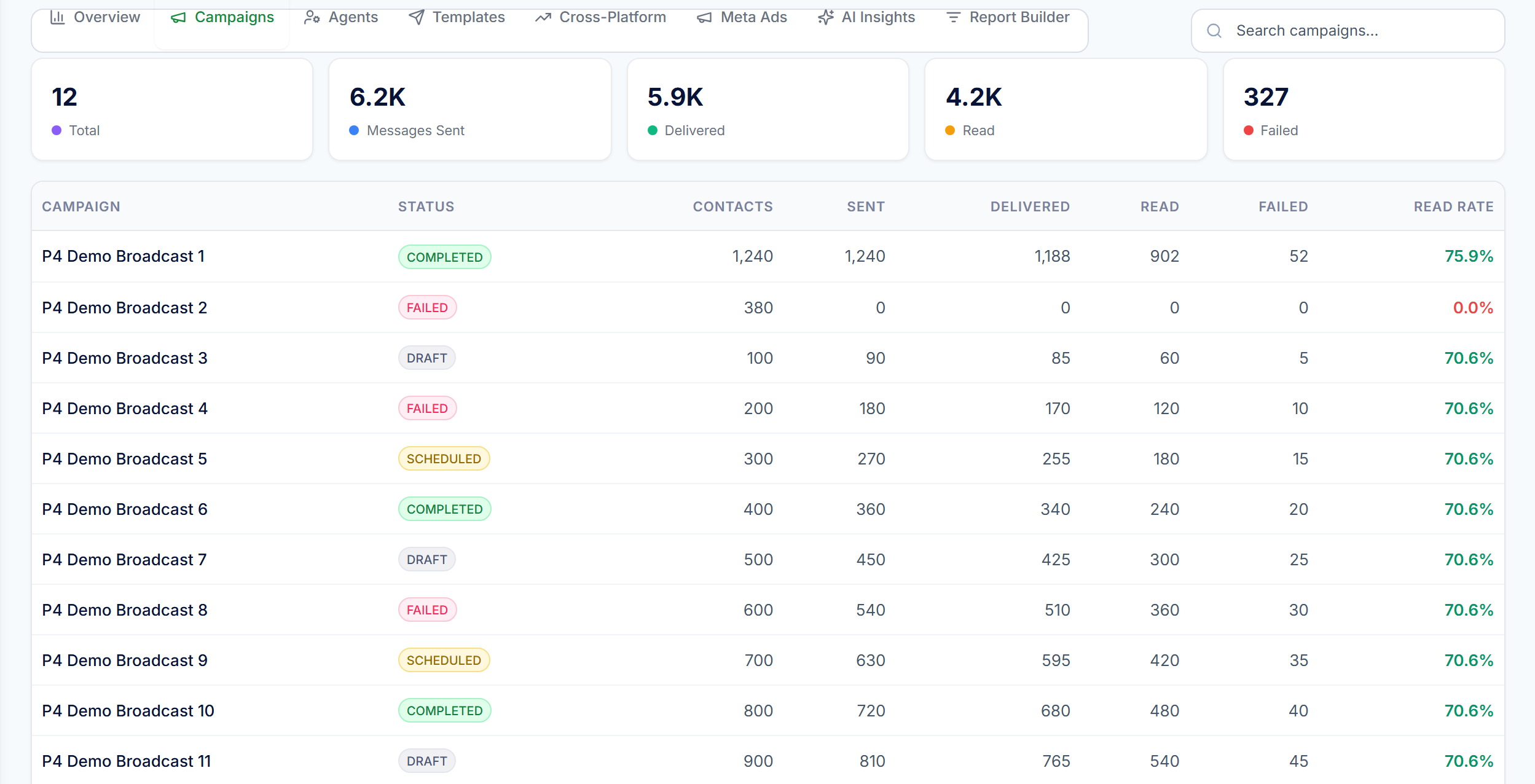
A keyword reply is one message. A flow is a sequence of question, button or list steps that can branch on the answer and store what it collects, all before anyone on your team gets involved.
Yes. Sessions track progress per customer, so replying later continues the flow rather than restarting it.
Yes, edits go live the moment you save. No redeploy, no waiting.
Free plan · Official API · Live in under a day.